
Reflecting Functions Practice: Symmetry Transform of Graphs
Loading the math board and drawing, please wait…
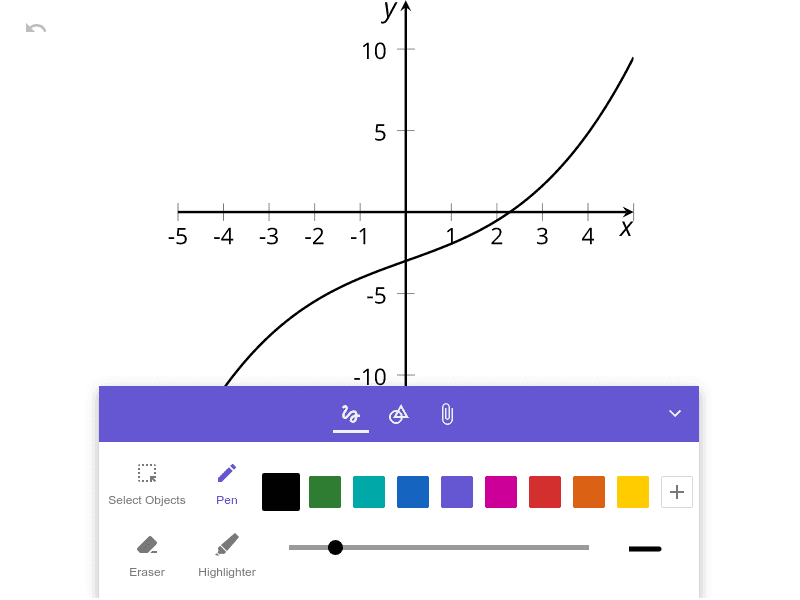
This example demonstrates how to reflect the graph of a function across a chosen symmetry line (for example, the x-axis or y-axis) to obtain the transformed function’s graph. The key mathematics concepts are functions, graph transformations, and geometric symmetry—especially the way reflection changes the relationship between x-values and y-values, giving an intuitive view of even/odd-like symmetry properties. Construction-wise, while the provided source contains no GeoGebra construction commands, the typical workflow in GeoGebra is to define the original function and its graph, specify the reflection axis, and apply a reflection transformation to the graph (and/or to representative points) to create the reflected curve. This helps learners verify the mapping of points under reflection and compare pre- and post-transformation geometry. Suitable for middle to early high school teaching, classroom practice, and self-study for understanding function transformations visually.
AI Drawing Prompt Reference
Draw a coordinate plane with a function curve, such as a parabola or sine wave, and mark a symmetry axis (e.g., the x-axis or y-axis). Then draw the reflected curve of the original across this axis, making the two curves symmetric about the axis. Select a few corresponding points on both curves, connect each pair with dashed lines that are perpendicular to the axis and bisected by it. Show the relationship between the original and reflected functions, emphasizing the symmetry transformation.
The prompt above was compiled from the original drawing commands and is for reference only.