
Rectangularity of Parallelograms
Loading the math board and drawing, please wait…
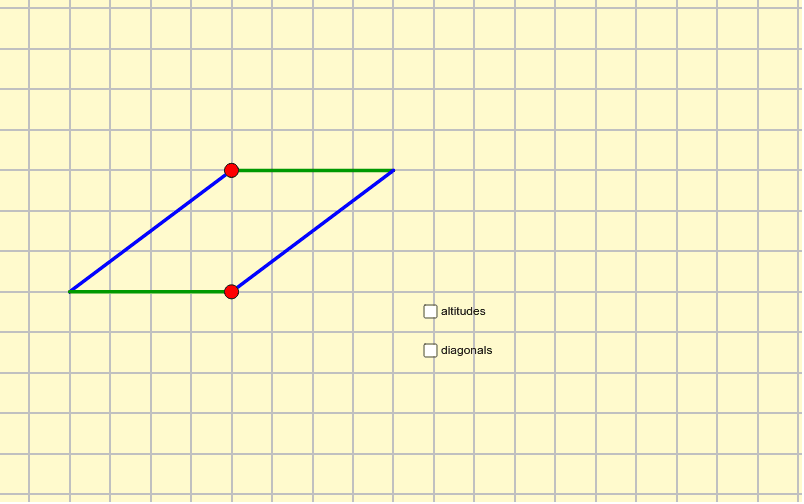
This example demonstrates how parallelograms approach rectangles through rotation and intersection of diagonals, involving core concepts like symmetry, binomial distribution, standard deviation, difference and slope, and rational numbers. It uses GeoGebra commands such as Point, Polygon, Intersect, Line, OrthogonalLine, Area, Perimeter, Segment. Suitable for high school mathematics education, exploring geometric relationships and probability statistics applications.
GeoGebra Commands & Parameters
Point(a) → CPoint(a) → APolygon(A, B, D, C) → poly1, a_1, b_1, d, cIntersect(c, a_1) → JLine(B, J) → nOrthogonalLine(C, a_1) → lLine(B, a) → bArea(poly1) → ePerimeter(poly1) → fSegment(B, (x(B), 0)) → gIntersect(c, a_1) → EIntersect(d, b_1) → FSegment(E, F) → jSegment(B, C) → kIntersect(l, c) → HIntersect(l, a_1) → IIntersect(l, n) → GSegment(G, C) → mOrthogonalLine(C, n) → pIntersect(p, n) → KSegment(C, K) → q
AI Drawing Prompt Reference
Draw a parallelogram showing how it approaches a rectangle through rotation and diagonal intersection, involving symmetry, binomial distribution, standard deviation, difference, and slope. Start by creating the parallelogram, then find the intersection of the diagonals, draw perpendicular lines, and calculate area and perimeter. Finally, add lines parallel to the base through the vertices and perpendicular to the base, highlighting geometric relationships and probability statistics applications.
The prompt above was compiled from the original drawing commands and is for reference only.