
Rectangle Perimeter Quiz
Loading the math board and drawing, please wait…
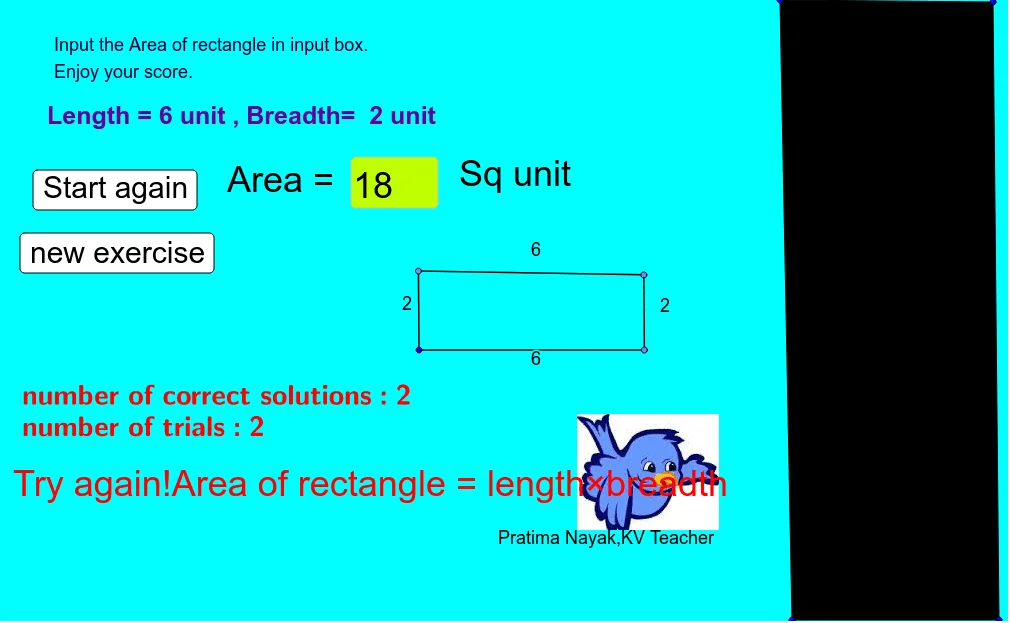
This example demonstrates how to calculate the perimeter of a rectangle. It involves core math concepts like perimeter and rectangle geometry. Construction highlights include using Random to generate side lengths, Textfield and Polygon for drawing, and Point/Segment for vertices/sides. Interactive quiz functionality is achieved with InputBox1 and Button1, making it suitable for primary school math education to reinforce perimeter calculation skills.
GeoGebra Commands & Parameters
Random(3, 6) → aRandom(1, 3) → bTextfield(empty) → InputBox1Polygon(A, B, C, D) → q1, a_1, b_1, c, dPoint(Circle[E, a]) → FSegment(E, F) → fPoint(Circle[F, b]) → GSegment(F, G) → hPoint(Circle[G, a]) → ISegment(G, I) → jSegment(I, E) → k
AI Drawing Prompt Reference
Draw a rectangle perimeter quiz figure. First, generate two random side lengths, one between 3 and 6, the other between 1 and 3. Then construct a rectangle with four vertices connected in order, showing all sides. Next, outside the rectangle, create a polyline consisting of two segments: the first segment has length equal to the first random side, and the second segment has length equal to the second random side, with the segments joined end-to-end forming an open path. Finally, add a text input box and a button for entering answers and checking perimeter calculations. The figure is for elementary math education, reinforcing the rectangle perimeter formula.
The prompt above was compiled from the original drawing commands and is for reference only.