
Rectangle Area Quiz for Primary Children
Loading the math board and drawing, please wait…
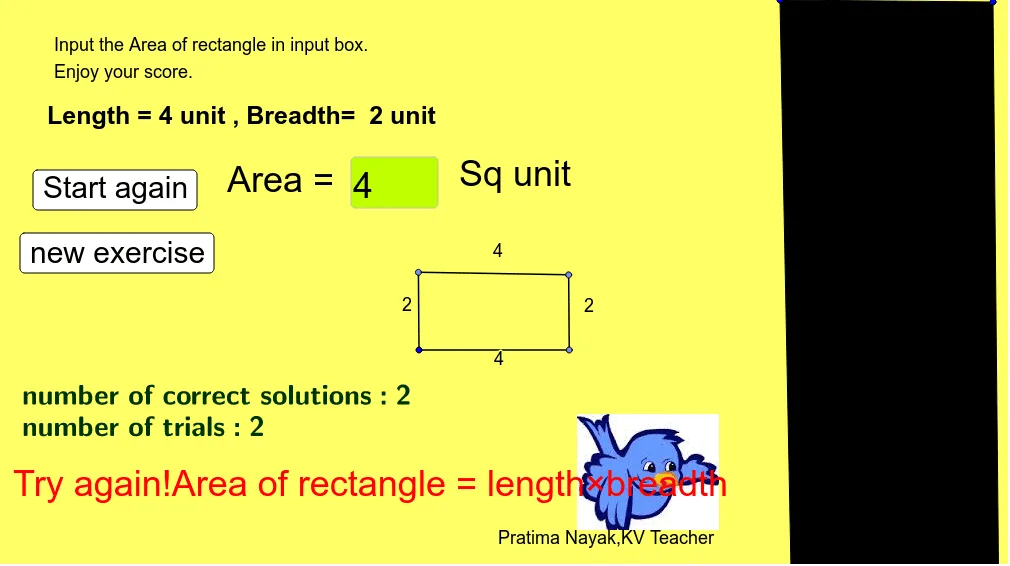
① This interactive GeoGebra applet is a drill-style quiz for primary school students to practice calculating the area of rectangles. It randomly generates rectangles and asks the learner to input the area, providing immediate feedback. ② The core mathematical concept is the rectangle area formula (length × width), along with basic arithmetic and simple equation solving (e.g., finding a missing side when area is known). ③ Construction highlights: the applet uses the Random command to generate random side lengths, Polygon and Point to create the rectangle, Textfield and InputBox for answer entry, buttons to trigger checking, Segment for sides, and text objects to display the problem, answer, and score. ④ It is suitable for grades 3-6 in primary school, useful for classroom drilling, homework practice, or teacher demonstrations to reinforce area calculation skills.
GeoGebra Commands & Parameters
Random(3, 6) → aRandom(1, 3) → bTextfield(empty) → InputBox1Polygon(A, B, C, D) → q1, a_1, b_1, c, dPoint(Circle[E, a]) → FSegment(E, F) → fPoint(Circle[F, b]) → GSegment(F, G) → hPoint(Circle[G, a]) → ISegment(G, I) → jSegment(I, E) → k