
Quiz on Squares of Numbers 25-75
Loading the math board and drawing, please wait…
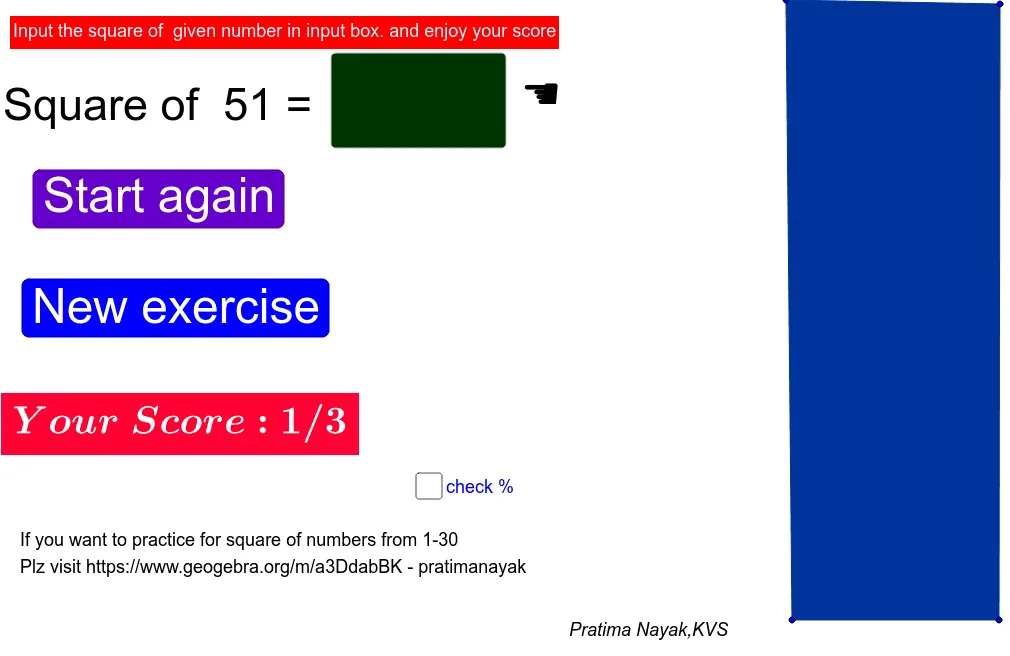
This example demonstrates a visual quiz for square values of numbers ranging from 25 to 75. It involves core mathematical concepts such as square operations, numerical ranges, and random number generation. Key GeoGebra commands used include Random for generating random numbers, Textfield and Polygon for displaying results and graphics, and PrimeFactors for prime factorization. Suitable for middle school and above mathematics education to enhance understanding of squares and randomness.
GeoGebra Commands & Parameters
Random(1, 5) → rRandom(1, 38) → a_2Random(25, 75) → bTextfield(empty) → InputBox1Polygon(A, B, C, D) → q1, a_1, b_1, c, dPrimeFactors(a_2) → L_1
AI Drawing Prompt Reference
Create a mathematical visualization showing the squares of numbers between 25 and 75, using a random number generator to select values and compute their squares, displaying results through text inputs and graphical elements, incorporating coordinate geometry and sliders, and including prime factorization of random numbers, suitable for middle school and above math education to highlight square operations and randomness.
The prompt above was compiled from the original drawing commands and is for reference only.