
Quadrilateral and Parallelogram Construction
Loading the math board and drawing, please wait…
In collections
Ruler and Compass Constructions
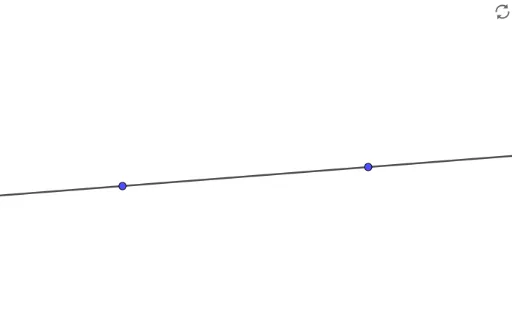
This example demonstrates how to construct quadrilaterals and parallelograms using GeoGebra, focusing on geometric properties. Key math concepts include quadrilaterals, parallelograms, line segments, and integer coordinates. Construction highlights involve using the Line command for segments A, B, and an auxiliary object f. Suitable for middle school students and above to enhance geometric construction and spatial reasoning skills.
GeoGebra Commands & Parameters
Line(A, B) → f
AI Drawing Prompt Reference
Draw a quadrilateral and a parallelogram. Start by drawing a line segment between point A and point B. Then, construct a parallelogram using points A and B, ensuring opposite sides are parallel and equal in length. Add auxiliary lines to help understand the geometric relationships.
The prompt above was compiled from the original drawing commands and is for reference only.