
Quadratic Formula Practice (Part 1): Solving a Quadratic and Checking Results
Loading the math board and drawing, please wait…
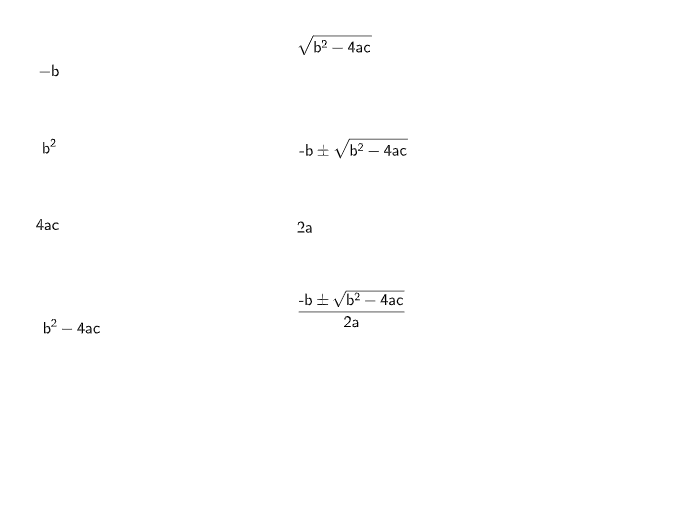
This example demonstrates how to solve a quadratic equation by rewriting it into a standard form and applying the quadratic formula, then obtaining and interpreting the two roots. The key math ideas include the general form of a quadratic, the quadratic formula (and the role of the discriminant in how solutions are determined), algebraic simplification, and numerical evaluation/verification of solutions. The construction is organized around combining algebraic reasoning with geometric or diagrammatic objects: coefficients and intermediate quantities can be represented with simple geometric elements (such as line segments) and the overall workflow can be structured using branching/tree-diagram thinking (e.g., step-by-step: identify coefficients → substitute into the formula → derive two roots → verify). Since the provided GeoGebra command summary is empty, the emphasis is on setting up the right objects to connect the symbolic formula process with a clear visual/diagrammatic workflow. Suitable for middle-to-high school algebra learners and for practice sessions that aim to strengthen the standard quadratic-solving pipeline.
AI Drawing Prompt Reference
Draw a graphic showing the process of solving a quadratic equation. Include the standard form of a quadratic equation, the quadratic formula expression, two points representing the roots, and a schematic for verification. The construction order should be from the equation, gradually showing how to apply the formula and verify the results.
The prompt above was compiled from the original drawing commands and is for reference only.