
Pyramid Construction and Geometric Properties Demo
Loading the math board and drawing, please wait…
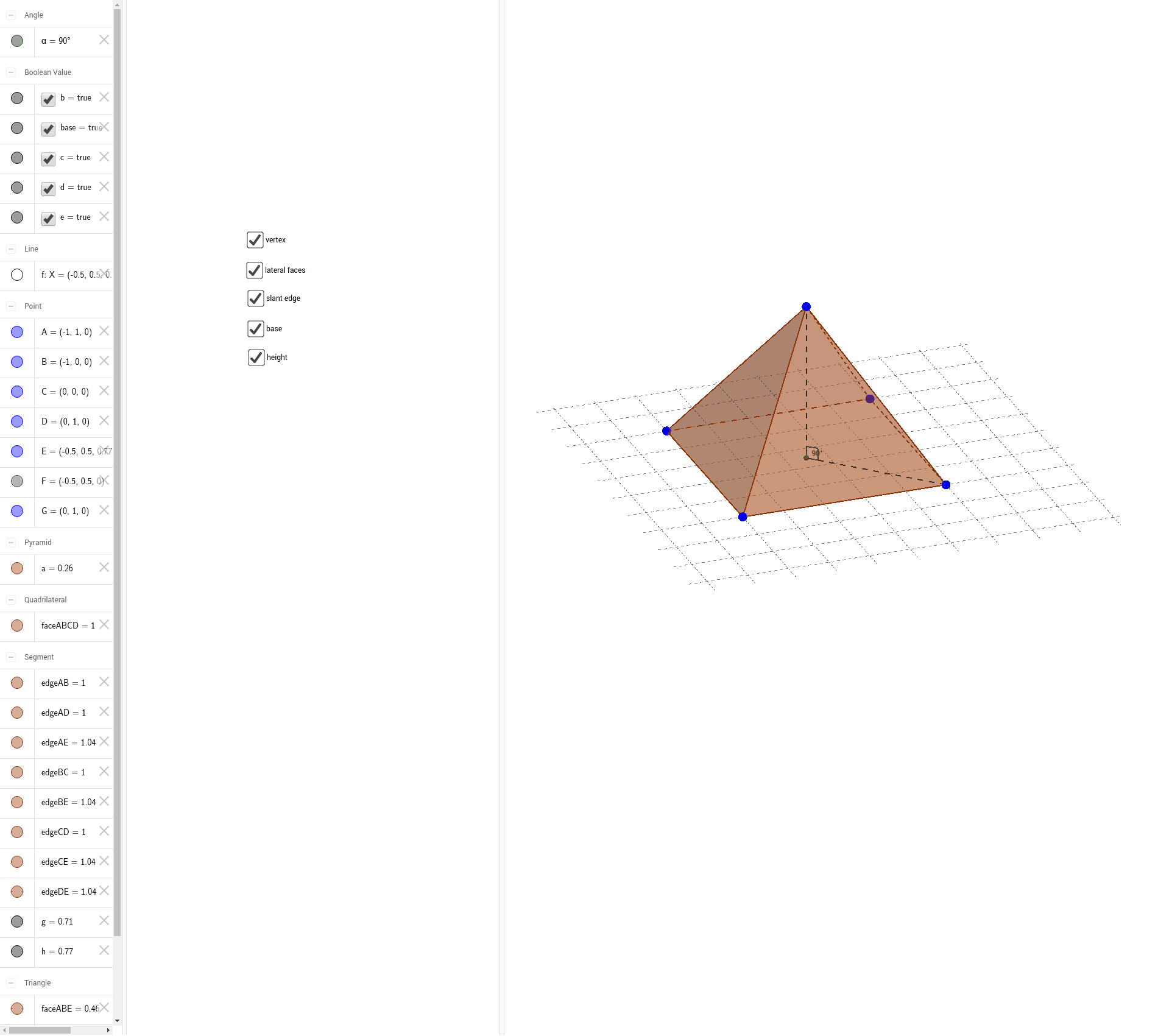
This example dynamically demonstrates the geometric construction and properties of a pyramid using GeoGebra; it involves core math concepts like solid geometry, coordinate geometry, angle calculations, and function graphing; construction highlights include commands like Pyramid, OrthogonalLine, Intersect, Segment, and Angle as per the summary; suitable for high school and above, ideal for teaching solid geometry, function analysis, and geometric constructions.
GeoGebra Commands & Parameters
Pyramid(A, B, C, D, E) → a, faceABCD, edgeAE, edgeBE, edgeCE, edgeDE, faceABE, faceBCE, faceCDE, faceADE, edgeAB, edgeBC, edgeCD, edgeADOrthogonalLine(E, faceABCD) → fIntersect(f, faceABCD) → FSegment(G, F) → gAngle(G, F, E) → αSegment(E, F) → h
AI Drawing Prompt Reference
Draw a pyramid with a square base and four triangular faces, labeling all edges connecting the base to the apex and the edges of the base. From the center of the base, draw a perpendicular line to one of the triangular faces, marking the intersection point. Measure and display the angle between this perpendicular line and a face edge at the apex.
The prompt above was compiled from the original drawing commands and is for reference only.