
Pursuit Curve: Vector-Driven Chasing Trajectory
Loading the math board and drawing, please wait…
In collections
The Domain of the Time (intuitive kinematics)
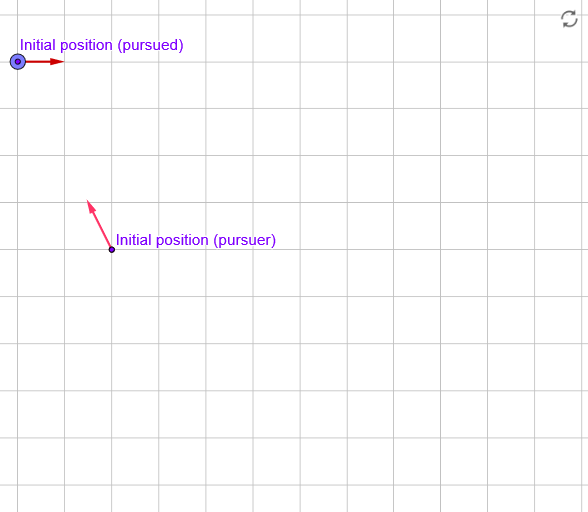
This example demonstrates the pursuit curve that arises when a pursuer always moves in the instantaneous direction of the target in a 2D plane. As time evolves, the relative positions generate a characteristic trajectory that can be analyzed through dynamic behavior. The key mathematical concepts include 2D vectors and directed motion, limiting behavior (convergence/approach in time), similarity transformations (capturing how relative motion scales), and the differential-equation viewpoint implied by the continuous-time update rule for positions and velocities. In GeoGebra, the construction is driven by Textfield-controlled parameters and time controls—objects such as reinicia, empieza, t0, t1, t, tt, dt, tPause, and tPauseAux—to reset and run the animation. Motion is orchestrated with animation-related variables/objects (animation, velocidad, vel, para) and the kinematic elements for both agents, including points/position variables (M, N, P, Q) and their corresponding velocity vectors (vM, vN, velocidad). Text objects (texto1–texto4) are used to present states and guidance. Suitable for advanced high-school learners and early college students studying calculus, vector geometry, parametric motion, and locus/trajectory visualization.
GeoGebra Commands & Parameters
Textfield(wabs) → velocidad
AI Drawing Prompt Reference
Draw a pursuit curve in a 2D plane showing the trajectory where a pursuer always moves in the instantaneous direction of the target. Use parameter controls to animate the positions of the pursuer and target, and display their velocity vectors. The curve evolves over time, demonstrating convergence or approach behavior. Include text annotations to label states and guidance.
The prompt above was compiled from the original drawing commands and is for reference only.