
Probability with Area
Loading the math board and drawing, please wait…
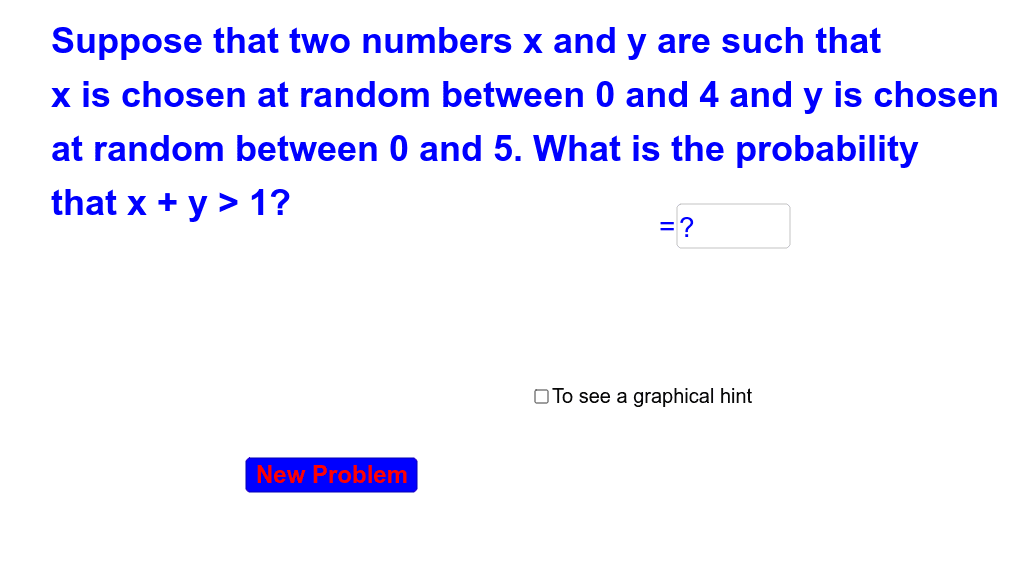
This example demonstrates probability concepts through geometric shapes. It involves probability, random number generation, and area calculation of polygons. By constructing polygons and randomly generating points, the probability of these points falling within the polygon is calculated. Commands used include Random, If, Textfield, RandomElement, Polygon, and Intersect. Suitable for high school mathematics education and learning probability statistics.
GeoGebra Commands & Parameters
Random(1, 7) → bRandom(1, 7) → aRandom(1, a + b) → cIf(c ≤ a, If[c ≤ b, 1 - c^(2) / (((2 * a) * b)), (a - c + b / 2) / a], If[c < b, (a / 2 - c + b) / b, (a + b - c)^(2) / (((2 * a) * b))]) → cansTextfield(ans) → inputBox1RandomElement({"Not Quite", "Try Again"}) → eresIf((ans - cans)^(2) < 0.001, true, false) → acorRandomElement({"Good Job", "Great!", "Way to Go!", "Awesome"}) → text5Polygon((0, 0), (a, 0), (a, b), (0, b)) → poly1, d, e, f, gIntersect(h, poly1) → A, B
AI Drawing Prompt Reference
Draw a rectangle with vertices at (0,0), (a,0), (a,b), and (0,b), where a and b are random integers between 1 and 7. Generate a random point C with x-coordinate between 0 and a, and y-coordinate between 0 and b. Calculate the probability of point C falling inside the rectangle and display the result. If the calculated result and displayed result differ by less than 0.001, show 'Good Job'; otherwise, show 'Try Again'.
The prompt above was compiled from the original drawing commands and is for reference only.