
Probability Visualization with Geometric Construction
Loading the math board and drawing, please wait…
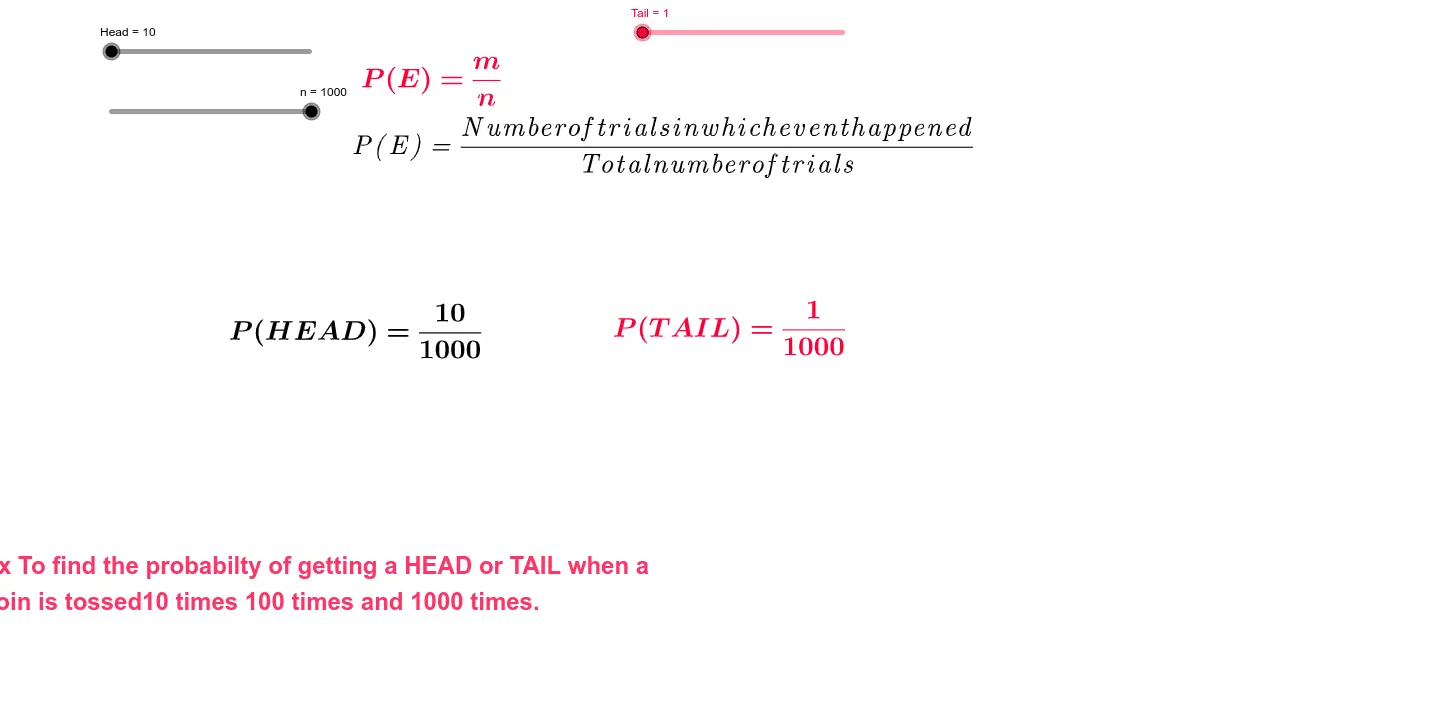
This GeoGebra example demonstrates the intuitive meaning of probability using an annotated geometric setup. It helps learners understand probability as the ratio of favorable outcomes to all possible outcomes, often expressed via statistical characteristics and percentages. The construction emphasizes core probability ideas, linking how parameterized counts or segments relate to a final probability display. From the construction summary, several text elements (text1, text2, text3, text5, text6) are used to label the meaning and values of intermediate and final results, while structural annotation objects (Head and Tail) mark key parts of the diagram used for counting or partitioning. The parameter n is included as the controlling quantity that drives the displayed probability-related information. Suitable for middle and high school probability/ statistics instruction, as well as for classroom demonstrations and interactive learning with GeoGebra.
GeoGebra Commands & Parameters
Numeric Head(10.0)Numeric n(1000.0)Numeric Tail(1.0)
AI Drawing Prompt Reference
Create a geometric construction to visualize probability, featuring a slider to control a parameter, a triangle, and two labeled parts 'Head' and 'Tail' representing distinct counting regions. Calculate the ratio of the 'Head' to the 'Tail' to display the final probability value, with text annotations explaining the meaning and values of each part to help understand probability as the ratio of favorable outcomes to total outcomes.
The prompt above was compiled from the original drawing commands and is for reference only.