
Prism Volume and Surface Area Calculation by Jonathan Robinson
Loading the math board and drawing, please wait…
In collections
Surface Area and Volume
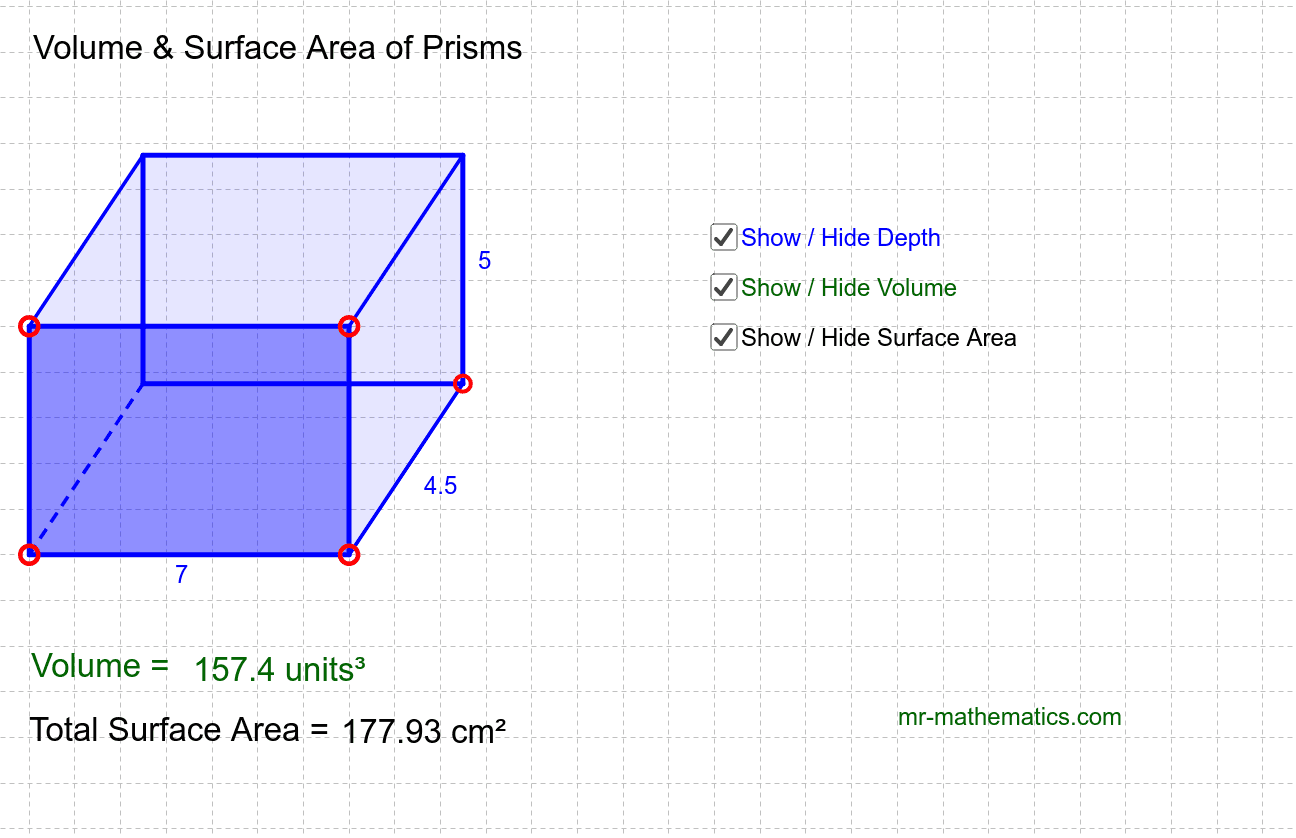
This example demonstrates the calculation of prism volume and surface area. Key math concepts include volume formulas, surface area formulas, and geometric transformations. Construction involves commands like Polygon, Line, Point, Vector, Translate, Segment, Intersect, PointIn to create and manipulate prisms dynamically with sliders. Suitable for high school solid geometry education and learning.
GeoGebra Commands & Parameters
Polygon(A, B, C, D) → poly1, a, b, c, dLine(E, F) → ePoint(e) → GVector(B, G) → uTranslate(A, u) → A'Translate(B, u) → B'Translate(C, u) → C'Translate(D, u) → D'Polygon(A', B', C', D') → poly1', a', b', c', d'Segment(G, B) → fSegment(A, A') → gSegment(D, D') → hSegment(C, C') → iIntersect(c', d') → HIntersect(b', c') → IPolygon(D, C, I, H) → poly2, d_1, c_1, i_1, h_1Polygon(C, B, G, I) → poly3, c_2, b_1, g_1, i_2PointIn(poly1) → Pointpoly1PointIn(poly2) → Pointpoly2Segment(B, G) → n
AI Drawing Prompt Reference
Draw a quadrilateral prism with a base polygon and a top face obtained by translating the base along a vector. Start with the base quadrilateral, then create a reference line and pick a point on it to define the translation vector from one base vertex. Translate all base vertices to form the top face. Connect corresponding vertices with segments to form lateral edges and complete the side faces. Within the side faces, construct two triangular faces using adjacent base edges and corresponding top points. Finally, place one point inside the base face and one inside a side face. The result is a dynamic prism suitable for exploring volume and surface area.
The prompt above was compiled from the original drawing commands and is for reference only.