
Prism Net Demonstration by Michael Bailey
Loading the math board and drawing, please wait…
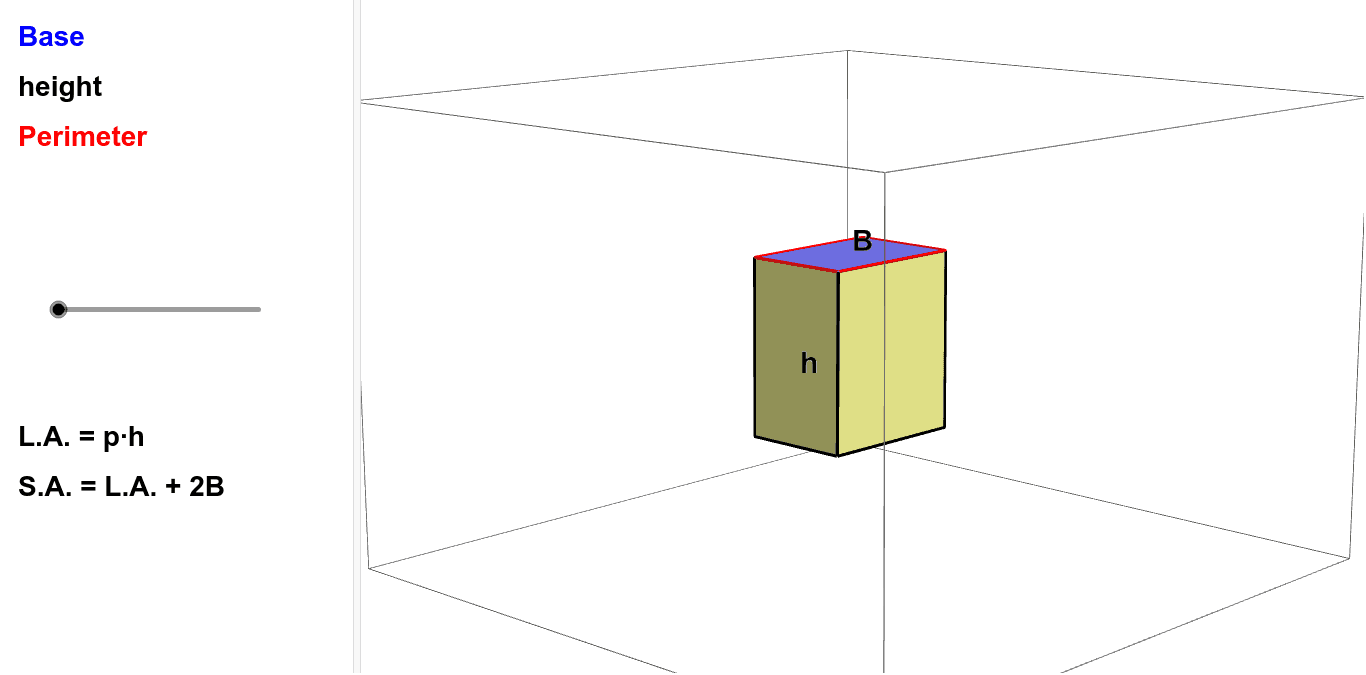
This example demonstrates the net of a prism and its folding/unfolding process. It involves core math concepts like solid geometry, polygons, and geometric transformations. Construction highlights include commands like Intersect, Point, Prism, Net, Segment, and Midpoint from GeoGebra. Suitable for middle school and above students to understand prism structures, surface area calculations, and spatial reasoning skills.
GeoGebra Commands & Parameters
Intersect(xAxis, yAxis) → APoint(zAxis) → BPoint(yAxis) → DPoint(xAxis) → HPrism(A, B, C, D, H) → a, E, edgeAB, edgeBC, edgeCD, edgeAD, edgeAH, edgeBE, edgeCF, edgeDG, edgeEH, edgeEF, F, edgeFG, edgeGH, G, faceABCD, faceABEH, faceBCFE, faceCDGF, faceADGH, faceEFGHNet(a, b) → c, I, R, S, T, U, V, faceIJKL, faceIJNM, faceJKPO, faceKLRQ, faceILST, J, faceMNUV, edgeIJ, edgeJK, edgeKL, edgeIL, edgeIM, edgeMN, edgeJN, edgeJO, edgeOP, K, edgeKP, edgeKQ, edgeQR, edgeLR, edgeLS, edgeST, edgeIT, edgeNU, edgeUV, edgeMV, L, M, N, O, P, QSegment(O, K) → dMidpoint(O, C) → WMidpoint(Q, R) → Z
AI Drawing Prompt Reference
Draw the net of a prism, including the base ABCD and the top EFGH, and their lateral faces. First, create the four vertices of the base ABCD, then create the four vertices of the top EFGH. Use the prism command to connect these vertices, forming the faces and edges of the prism. Finally, use the net command to unfold the prism into a flat shape.
The prompt above was compiled from the original drawing commands and is for reference only.