
Practice with Positive and Negative Numbers on the Number Line
Loading the math board and drawing, please wait…
In collections
Module 1: Negative numbers
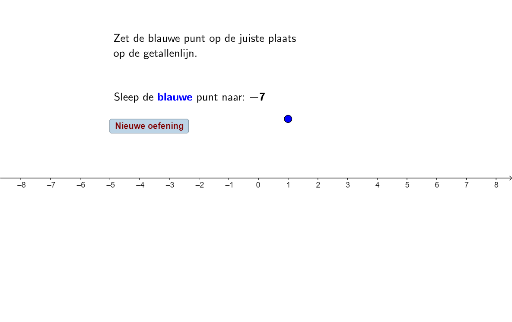
This example uses a number line to demonstrate the concept of positive and negative numbers, helping students understand the position of positive and negative numbers on the number line. Key mathematical concepts include positive numbers, negative numbers, and their representation on the number line. The example utilizes the Random command in GeoGebra to generate random numbers and objects such as a, B, A for constructing points and segments on the number line. Suitable for upper elementary and lower middle school students to learn and practice the concept of positive and negative numbers.
GeoGebra Commands & Parameters
Random(-8, 8) → a
AI Drawing Prompt Reference
Draw a number line and mark a positive and a negative number on it. First, draw the number line. Then, use the random number command to generate a random number between -8 and 8 as the negative number, and another random number as the positive number. Mark these two points on the number line.
The prompt above was compiled from the original drawing commands and is for reference only.