
Practice with Other Bases
Loading the math board and drawing, please wait…
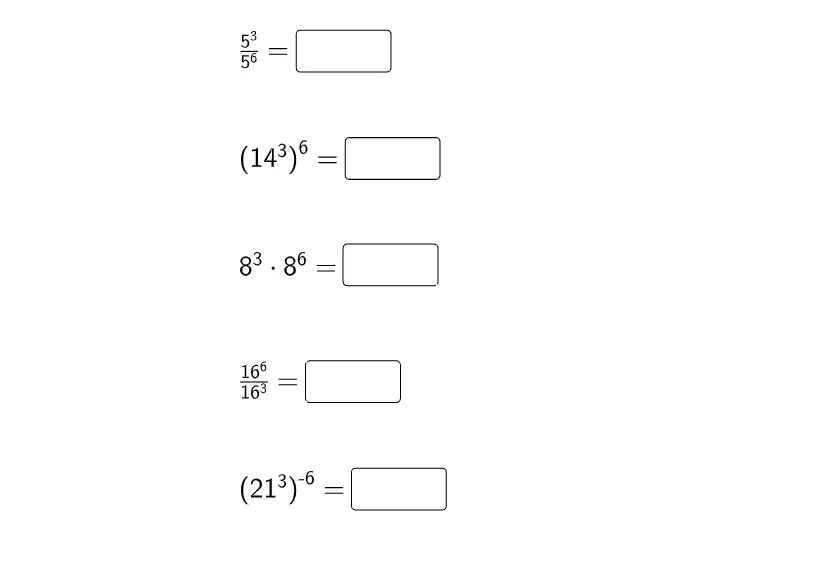
This example demonstrates how to use GeoGebra to plot and manipulate integral functions with different bases. Core math concepts include indefinite integral, complex numbers, and random variables. Construction highlights involve commands like Textfield and objects such as f1, f2, f3, f4, f5, InputBox1, InputBox3, InputBox5, InputBox7, InputBox9. Suitable for high school and above students to explore integral behavior across various bases.
GeoGebra Commands & Parameters
Textfield(f1) → InputBox1Textfield(f2) → InputBox3Textfield(f3) → InputBox5Textfield(f4) → InputBox7Textfield(f5) → InputBox9
AI Drawing Prompt Reference
Create a mathematical illustration showing how to plot integral functions with different bases, including five input boxes for entering various bases, and text fields to display the integral function expressions for each base, allowing exploration of integral behavior as the base changes.
The prompt above was compiled from the original drawing commands and is for reference only.