
Practice on Symmetry in Equations: Geometric Verification
Loading the math board and drawing, please wait…
This GeoGebra example demonstrates the phenomenon of symmetry in equations by using geometric visualization and verification. It highlights how a curve or geometric locus defined by an equation can remain unchanged under a symmetry transformation—such as reflection across a line (axis symmetry) or reflection through a point (central symmetry). The key mathematical ideas include symmetry, invariant sets under transformations, and how correspondences between points/curves preserve geometric relationships. Since the provided construction summary contains no explicit GeoGebra commands or objects, the construction is best understood as a general workflow: first create the relevant geometric entities in GeoGebra (points/lines/curves representing the equation), then apply the corresponding symmetry transformation (mirror about a line or symmetry about a point), and finally compare the original and transformed figures to confirm that corresponding elements match (e.g., by checking preserved distances/angles or the visual overlap). Suitable for middle-to-high school enrichment and early university preparatory learning, especially for instruction on transformations and symmetry-based equation interpretation.
AI Drawing Prompt Reference
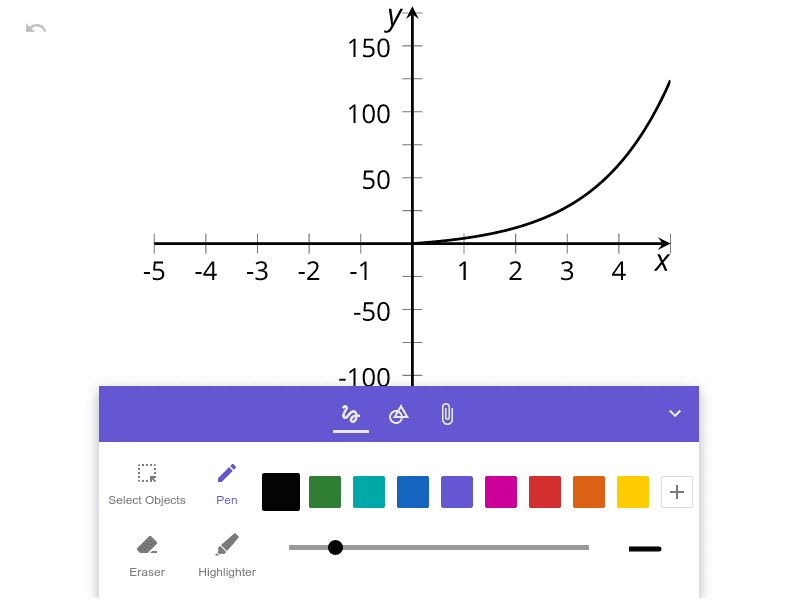
Plot on a coordinate plane a curve (a geometric locus) defined by an equation. Add either a symmetry axis line or a symmetry center point to specify the transformation. Construct the transformed version of the curve by reflecting corresponding points across the axis or by applying central symmetry through the center, producing a second curve in the same view. Compare the original curve and the transformed curve by checking that corresponding points match in position and overall shape, highlighting the invariant set under the chosen symmetry transformation.
The prompt above was compiled from the original drawing commands and is for reference only.