
Practice on Profit and Loss Calculation
Loading the math board and drawing, please wait…
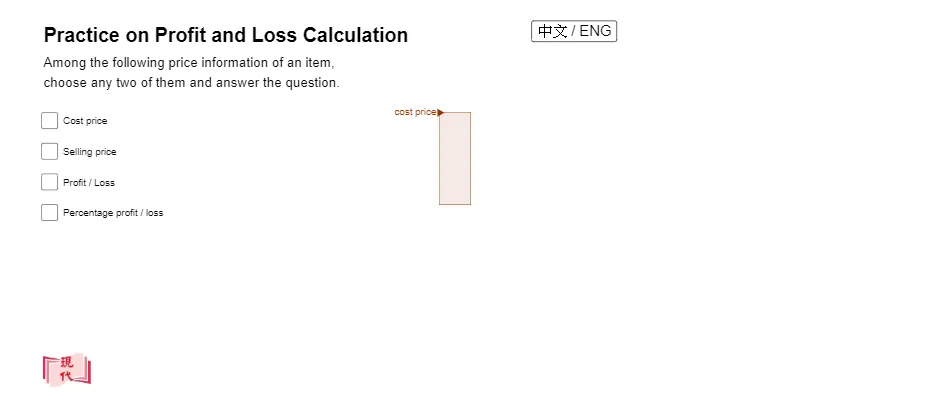
This example demonstrates profit and discount calculations using percentages. Key mathematical concepts include percentages, cost price, selling price, and profit/loss. Commands used include Random, Intersect, Polygon, Vector, If, and Segment. Suitable for Grade 1 students.
GeoGebra Commands & Parameters
Random(1, 100) → bIntersect(xAxis, yAxis) → APolygon(A, B, C, D) → q1, a_1, b_1, c, dVector(F, E) → uPolygon(C, D, E, G) → q2, c_1, d_1, e, gPolygon(C, D, E, G) → q3, c_2, d_2, e_1, g_1If(f, 1, 0) → f_{1}If(h, 1, 0) → h_{1}If(i, 1, 0) → i_{1}If(j, 1, 0) → j_{1}Segment(A, E) → l
AI Drawing Prompt Reference
Draw a coordinate system, then draw two line segments from the origin to represent cost price and selling price. Randomly select a point on the selling price segment to indicate the profit point. Next, draw a quadrilateral connecting the origin, the profit point, and the endpoints of the selling price segment. Finally, draw a vector from the origin to the profit point.
The prompt above was compiled from the original drawing commands and is for reference only.