
Polygon Perimeter Demo
Loading the math board and drawing, please wait…
In collections
Measurement
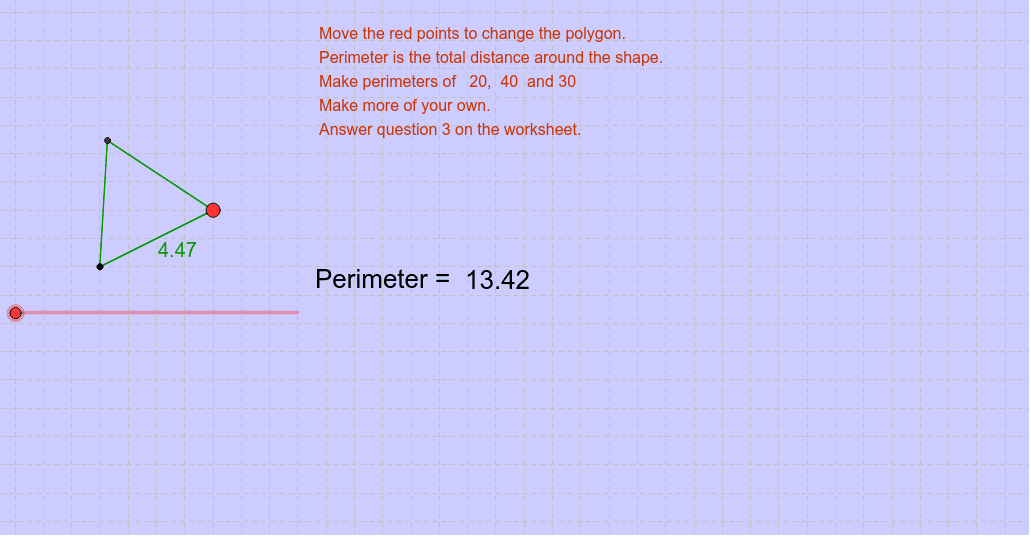
This example demonstrates how to construct a polygon and calculate its perimeter using GeoGebra. Core math concepts include perimeter calculation, line segments, incircle, ratios, and means. The construction utilizes commands like Polygon and objects such as a_1, e, text1, A, B, poly1, a, b, c, C, q, r, s, t, b_1, p, text2, text3 for辅助 display and computation. Suitable for middle school and above, exploring the relationship between polygon perimeter and incircle, and the application of ratios and means in geometry.
GeoGebra Commands & Parameters
Polygon(A, B, a_1) → poly1, a, b, c, C
AI Drawing Prompt Reference
Draw a polygon and calculate its perimeter, showing line segments, incircle, and the relationships between them including ratios and means. Construct the polygon first, label its vertices and edges, then draw the incircle, calculate the perimeter, and finally display the results and geometric relationships with text.
The prompt above was compiled from the original drawing commands and is for reference only.