
Poisson Distribution
Loading the math board and drawing, please wait…
In collections
学习 GeoGebra 经典应用
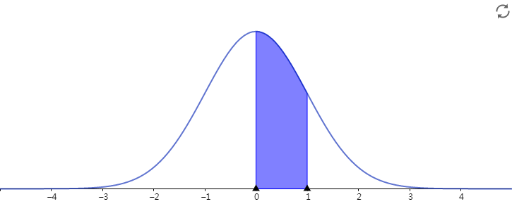
This example demonstrates the probability calculation of a Poisson distribution. It involves key concepts of the Poisson distribution and allows users to observe probability changes by adjusting parameters. GeoGebra is used to construct the distribution curve and probability calculation tools. Suitable for high school and above students to learn probability and statistics.
AI Drawing Prompt Reference
Draw a Poisson distribution probability mass function graph. In a Cartesian coordinate system, the x-axis represents the number of events (from 0 to an appropriate range), and the y-axis represents the corresponding probabilities. Mark integer points along the x-axis and draw vertical bars or discrete points at each position to show the probability for that specific event count. Include an adjustable parameter λ (lambda) to demonstrate how the probability distribution changes with different λ values. Display the formula P(X=k)=λ^k·e^(-λ)/k! somewhere on the graph and show probability calculation results. The overall design should clearly illustrate the characteristics of a discrete probability distribution.
The prompt above was compiled from the original drawing commands and is for reference only.