
Points, Lines, and Planes Applet
Loading the math board and drawing, please wait…
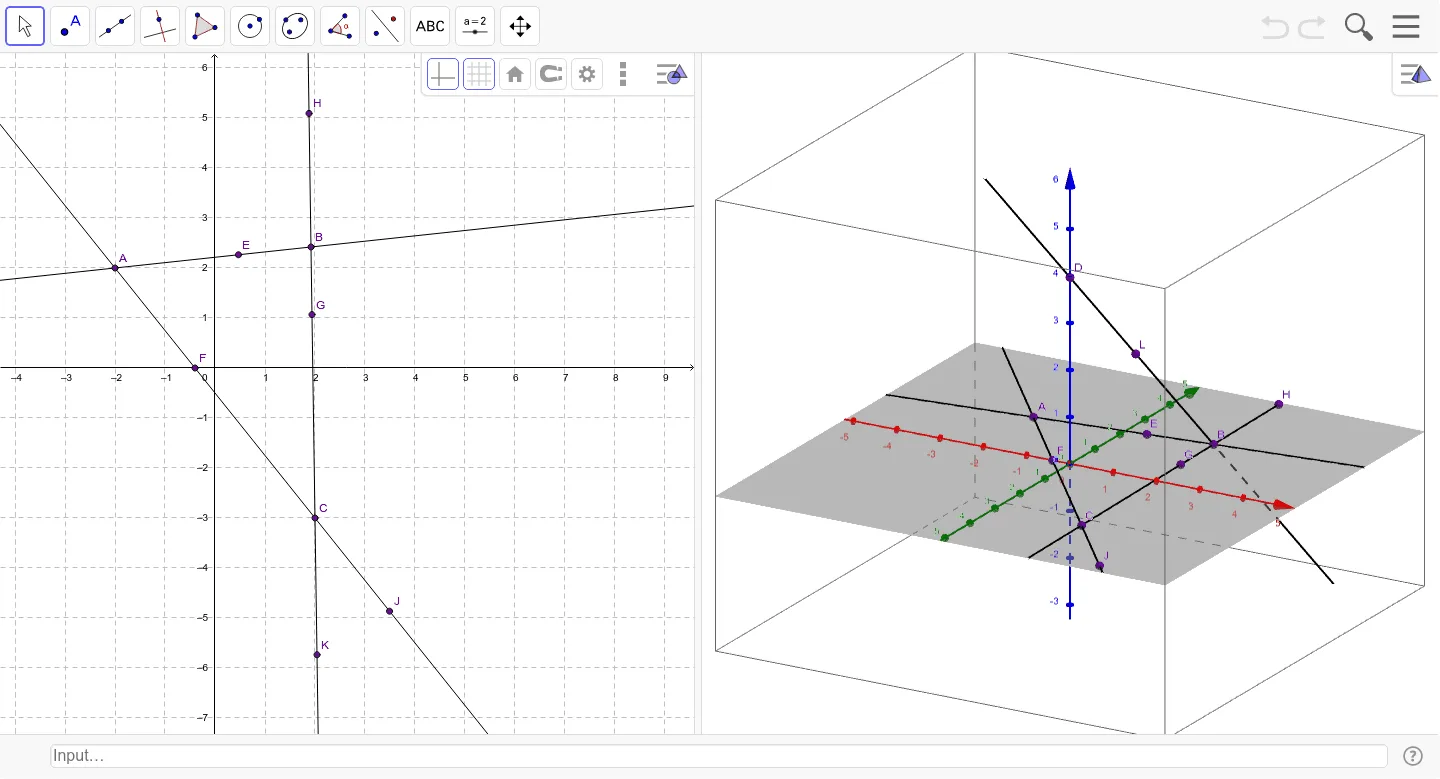
This example demonstrates how to create points, lines, and planes in GeoGebra, helping students understand basic geometric concepts. Key mathematical concepts include points, lines, planes, circles, triangles, and circumscribed circles. Construction involves using commands like Point, Line, and Intersect to create objects. Suitable for middle or high school students learning geometric foundations and drawing techniques.
GeoGebra Commands & Parameters
Point(zAxis) → DLine(D, B) → aLine(A, B) → bLine(C, A) → cLine(C, B) → dPoint(b) → EIntersect(c, xAxis) → FPoint(d) → GPoint(d) → HPoint(c) → JPoint(d) → KPoint(a) → L
AI Drawing Prompt Reference
In 3D space, start by placing three non-collinear points to form a triangle and draw its three sides. From one vertex, extend a line perpendicular to the base plane and pick a point on it. Connect this new point to the other two triangle vertices to create two slanted edges. Then, choose a point on one side of the triangle, mark the intersection of another side with the horizontal plane, and place several additional points on the remaining sides. Finally, draw the circumcircle passing through the triangle's three vertices and label all key points to illustrate the fundamental relationships among points, lines, and planes.
The prompt above was compiled from the original drawing commands and is for reference only.