
Point Dilation Demonstration
Loading the math board and drawing, please wait…
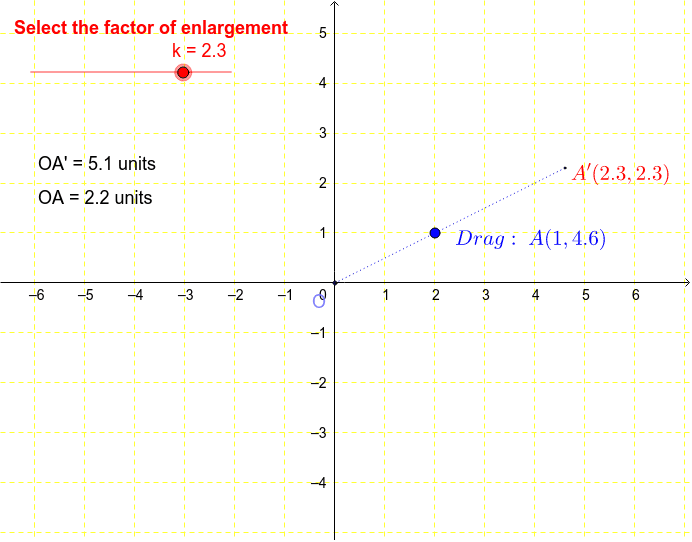
This example demonstrates the geometric effect of point dilation, calculating the position of a dilated point based on a center point, scale factor, and original point; core math concepts include matrices, coordinate transformation, and distance calculation; construction highlights the use of GeoGebra commands Polygon, Dilate, Segment, Point, and Distance; suitable for high school coordinate geometry and transformation lessons.
GeoGebra Commands & Parameters
Polygon(A, B, C) → poly1, c, a_1, b_1Dilate(A, k, D) → A'Dilate(B, k, D) → B'Dilate(C, k, D) → C'Polygon(A', B', C') → poly1', c', a', b'Segment(D, A') → aSegment(D, C') → dSegment(D, A) → bPoint(b) → ODistance(O, A) → distanceOADistance(O, A') → distanceOA'
AI Drawing Prompt Reference
Draw a point dilation demonstration showing a polygon and a center point, with each vertex of the polygon dilated from the center to form a new polygon. Connect the center to each original and dilated vertex with line segments, and label the distances from the original vertices and the dilated vertices to the center to illustrate the dilation effect.
The prompt above was compiled from the original drawing commands and is for reference only.