
Applications of Matrices and Determinants
Loading the math board and drawing, please wait…
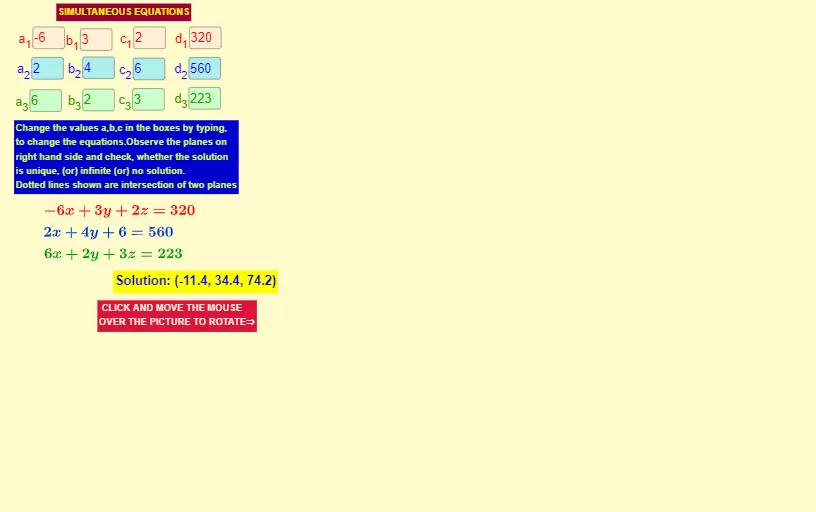
This example demonstrates the applications of matrices and determinants through specific geometric figures and phenomena, helping students understand these mathematical concepts. It uses GeoGebra commands such as Textfield, IntersectPath, Intersect, etc., to construct multiple input boxes and geometric objects. Suitable for high school mathematics education and learning.
GeoGebra Commands & Parameters
Textfield(a_1) → InputBox1Textfield(b_1) → InputBox2Textfield(c_1) → InputBox3Textfield(d_1) → InputBox4Textfield(a_2) → InputBox5Textfield(a_3) → InputBox6Textfield(b_2) → InputBox7Textfield(b_3) → InputBox8Textfield(c_2) → InputBox9Textfield(c_3) → InputBox10Textfield(d_2) → InputBox11Textfield(d_3) → InputBox12IntersectPath(c, b) → fIntersectPath(c, a) → gIntersect(f, g) → AIntersect(f, g) → BIntersect(g, f) → CIntersectPath(b, a) → h
AI Drawing Prompt Reference
Create multiple input boxes to receive the elements of a matrix, use these values to draw geometric figures, find three key points by calculating the intersections of two paths, and then construct the final geometric figure using the intersections of these points to demonstrate the application of matrices and determinants in coordinate geometry.
The prompt above was compiled from the original drawing commands and is for reference only.