
Planes in 3-Space
Loading the math board and drawing, please wait…
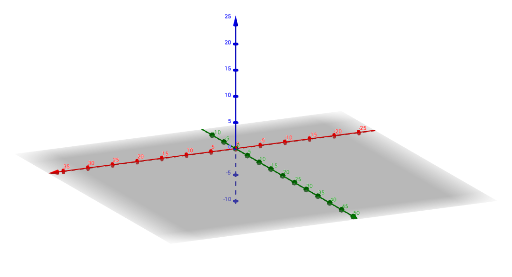
This example demonstrates the spatial relationships among multiple planes in three-dimensional space, showing how planes intersect and are positioned relative to each other. It visually represents planes using lines and points, making abstract 3D geometry tangible. Core mathematical concepts include plane equations, line-plane intersections, normal vectors, and symmetry in 3D space. The construction uses GeoGebra's Line command to create line objects (v, w, a, u, k, d, etc.), which are then used to define planes (b, c, j, e, L, f), along with key points P, A, B, C. This is suitable for high school or early college students studying solid geometry or analytic geometry, and serves as an excellent teaching tool for illustrating how planes and lines interact in space, enhancing spatial reasoning skills.
GeoGebra Commands & Parameters
Line((0, 0, 1), Vector[(x(e), y(e), z(e))]) → L
AI Drawing Prompt Reference
Draw a three-dimensional scene showing multiple planes in space. Start with a reference line, then construct a plane through it. Add another line intersecting this plane, and use several key points to define additional planes that intersect or run parallel to the first one. Clearly display the intersection lines, normal directions, and symmetry among the planes. Use lines and points to outline the planes' boundaries and intersection points, making the spatial relationships easy to visualize for teaching solid geometry.
The prompt above was compiled from the original drawing commands and is for reference only.