
Pi Multiples (i) Complex Trigonometry
Loading the math board and drawing, please wait…
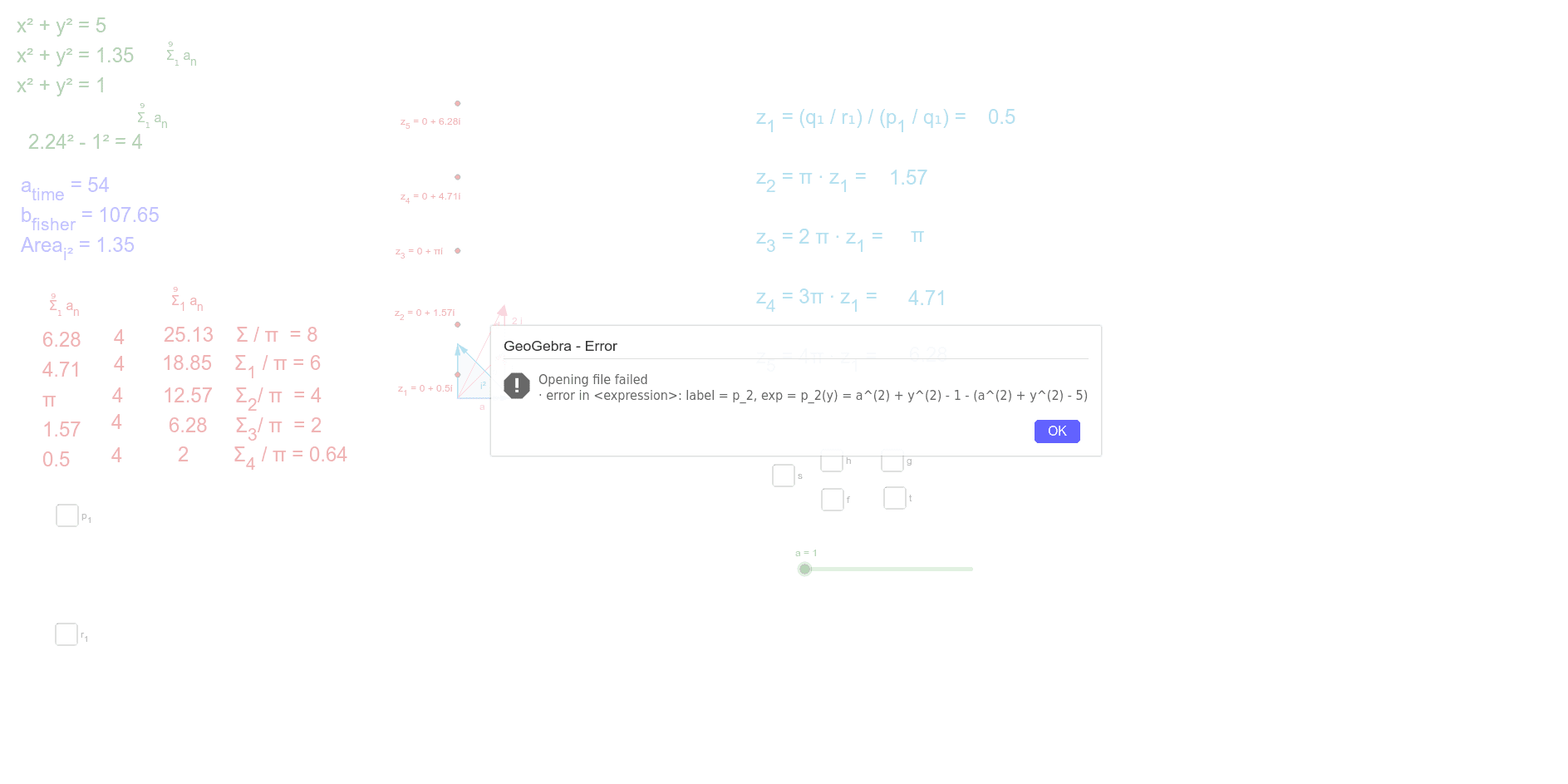
This example demonstrates the geometric interpretation of complex trigonometry by dividing the bottom-right column by Pi, aiding in validating a hypothesis. Core concepts include complex numbers, trigonometric functions, and geometric transformations. It is constructed using commands like Vector, Point, Polygon, Rotate, Segment, Angle, Circle, and Distance in GeoGebra. Suitable for high school students and mathematicians exploring the connection between complex numbers and geometry.
GeoGebra Commands & Parameters
Vector((a, 0)) → uVector((a, 0), (a, b)) → vVector((0, 0), (a, b)) → wVector((0, 0), (a, c)) → dVector((a, 0), (a, c)) → eVector((o, 0)) → sVector((0, o)) → u_1Vector((o, 0), (0, o)) → v_1Point(u_1) → APoint(s) → BPolygon(C, B, A) → poly1, a_2, c_1, b_2Rotate(h_1, -80*°, C) → e_1Point(e_1) → DPoint(e_1) → EPolygon(C, E, D) → poly2, d_2, c_2, e_2Segment(C, D) → g_1Segment(C, E) → i_1Angle(E, C, D) → α_iPoint(d) → FPoint(u) → GCircle(C, F) → p_1Circle(C, A) → q_1Point(u) → HCircle(C, H) → r_1Circle(C, z_1) → s_1Circle(C, z_2) → t_1Circle(C, z_3) → f_2Circle(C, z_4) → g_2Circle(C, z_5) → h_2Distance(C, z_1) → distanceCz1Distance(C, z_2) → distanceCz2Distance(C, z_3) → distanceCz3Distance(C, z_4) → distanceCz4Distance(C, z_5) → distanceCz5
AI Drawing Prompt Reference
Draw a geometric representation of complex trigonometry involving vectors originating from the origin, connecting to points to form new vectors, constructing polygons and rotated shapes, and labeling angles and circles to illustrate the connection between complex numbers and geometry.
The prompt above was compiled from the original drawing commands and is for reference only.