
Perpendicular Lines by GeoGebra Materials Team
Loading the math board and drawing, please wait…
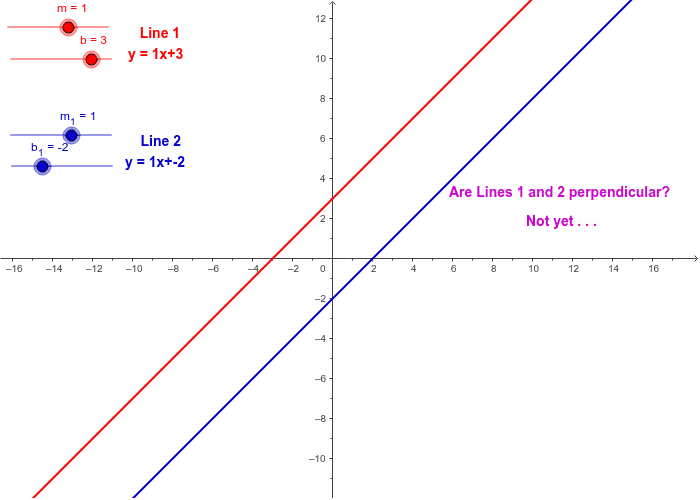
This example demonstrates the construction of perpendicular lines using GeoGebra, involving linear functions, angles, equilateral triangles, line segments, circumcircle, and algebra. Key GeoGebra commands and objects used include If statements, sliders for parameter control, and geometric entities like points and circles. Suitable for high school mathematics education to understand perpendicular line properties and geometric constructions.
GeoGebra Commands & Parameters
If(m ≟ m_1, A) → BIf(m < m_1, C) → DIf(m > m_1, E) → FIf(m_1 ≟ (-1) / m^(2) * m, T3, T4) → T5
AI Drawing Prompt Reference
Draw two perpendicular lines controlled by a slider. Start by creating a point A and a circle centered at A. Then, define a line l1 using slider m, and another line l2 using the square of the inverse of m multiplied by m. Finally, find the intersection point T5 of the two lines, ensuring l1 and l2 are perpendicular.
The prompt above was compiled from the original drawing commands and is for reference only.