
Perpendicular Line Through a Point on a Line
Loading the math board and drawing, please wait…
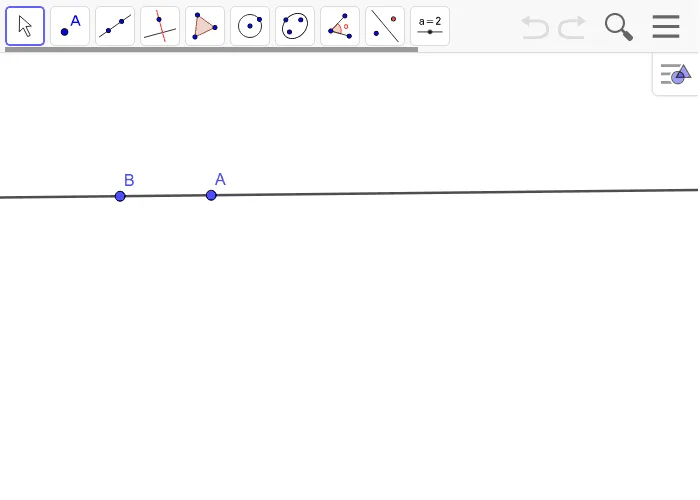
This example demonstrates how to construct a line perpendicular to a given line through a point lying on that line using GeoGebra, a classic geometric construction. The core mathematical concept is the definition and properties of perpendicular lines, along with the fundamental construction method of dropping a perpendicular from a point on a line. The construction uses the Line command with objects A, B, and f: first define line f and point A on it, then use point B (often another point on the line or an auxiliary point) to generate the perpendicular line. This example is suitable for middle school geometry classes, helping students understand the principle of perpendicular construction and master the use of GeoGebra's line and perpendicular tools. It also serves as a foundation for learning parallel lines, altitudes of triangles, and other geometric properties.
GeoGebra Commands & Parameters
Line(A, B) → f
AI Drawing Prompt Reference
Draw a straight line and mark a point on it. Then construct a line through that point that is perpendicular to the original line, ensuring the two lines intersect at the point with a right angle. The figure should clearly show the original line, the point, and the new perpendicular line extending in both directions. Keep the construction simple and emphasize the perpendicular relationship.
The prompt above was compiled from the original drawing commands and is for reference only.