
Perpendicular Bisector Practice with Feedback
Loading the math board and drawing, please wait…
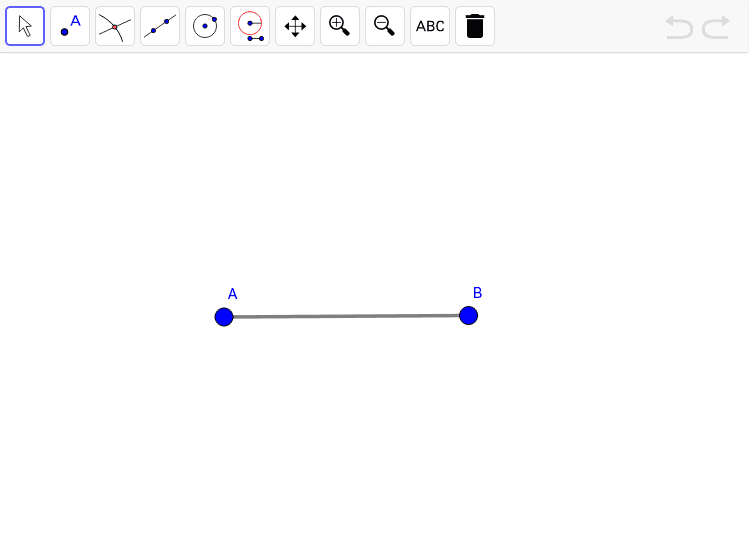
This example demonstrates how to construct the perpendicular bisector of a line segment and provides instant feedback. Key mathematical concepts include geometry, line segment, and reflection. Using GeoGebra commands such as Segment, Circle, Intersect, and Line, students can learn geometric construction techniques. Suitable for middle school and above students for geometry practice.
GeoGebra Commands & Parameters
Segment(A, B) → aCircle(A, B) → circle1Circle(B, A) → circle2Intersect(circle1, circle2, 1) → zPointIntersect(circle1, circle2) → m1, m2, ,Segment(m1, m2) → zAnswer_1Segment(A, B) → bLine(m1, m2) → zAnswer
AI Drawing Prompt Reference
Draw a line segment. Construct two circles, each centered at one endpoint of the segment and passing through the other endpoint, so they have equal radii. These circles intersect at two points. Draw a straight line through these two intersection points; this line is the perpendicular bisector of the original segment. Also draw a segment connecting the two intersection points, and draw another segment coinciding with the original one. The final figure includes the two circles, the two intersection points, the perpendicular bisector line, and the two segments, illustrating the geometric construction.
The prompt above was compiled from the original drawing commands and is for reference only.