
Percentage Formula Derivation – Interactive Multiple Choice
Loading the math board and drawing, please wait…
In collections
Prozentrechnung: Vermehrung und Verminderung
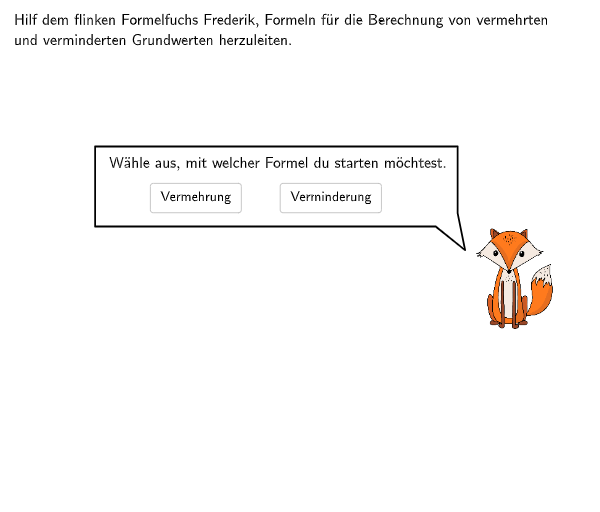
GeoGebra interactive practice resource featuring two multiple-choice questions on percentage calculations: finding the increased base value G+ and decreased base value G-, using change factor formulas G·(1+p/100) or G·(1-p/100). The example constructs an interactive interface using GeoGebra commands such as Textfield, CircleArc, SpeechBubbleRight, and Element, enabling input verification and question navigation. Ideal for grades 7-8 students to practice percentage calculations in single and multi-step scenarios, reinforcing understanding of change factors in percentage problems.
GeoGebra Commands & Parameters
Point(Line[Q, xAxis]) → C4Point(Line[Q, xAxis]) → C3Point(Line[Q, xAxis]) → C2Point(Line[Q, xAxis]) → C1Textfield(input1) → Eingabefeld1Textfield(input2) → Eingabefeld2CircleArc(Midpoint[A1, A2] + (arrowdepth, 0), A1, A2) → cCircleArc(Midpoint[A3, A4] + (arrowdepth, 0), A3, A4) → eCircleArc(Midpoint[B1, B2] + ((-arrowdepth), 0), B2, B1) → dCircleArc(Midpoint[B3, B4] + ((-arrowdepth), 0), B4, B3) → fSpeechBubbleRight(B, 9.2, 1.8) → Vieleck1Element({C1, C2, C2, C3, C3, C3, C4, C4, C4, C2}, step + 2) → CSpeechBubbleRight(E, 11, 1.02) → Vieleck2Point(Line[E, xAxis]) → FSpeechBubbleRight(F, 13.65, 1.7) → Vieleck3SpeechBubbleRight(E, 10.2, 2.2) → Vieleck4SpeechBubbleRight(R, 5, 2.2) → Vieleck5SpeechBubbleRight(E + (0, -2), 10.2, 4.2) → Vieleck6Textfield(input3) → Eingabefeld3
AI Drawing Prompt Reference
Draw an interactive interface with two multiple-choice questions on percentage calculations, including finding the increased base value G+ and decreased base value G-, using change factor formulas G·(1+p/100) or G·(1-p/100). The interface should include two arcs, representing the increase and decrease changes, two text input fields for inputting the rate of change and base value, and multiple speech bubbles for displaying questions and answers.
The prompt above was compiled from the original drawing commands and is for reference only.