
Parametric Surfaces with Curve Layering by Roman Chijner
Loading the math board and drawing, please wait…
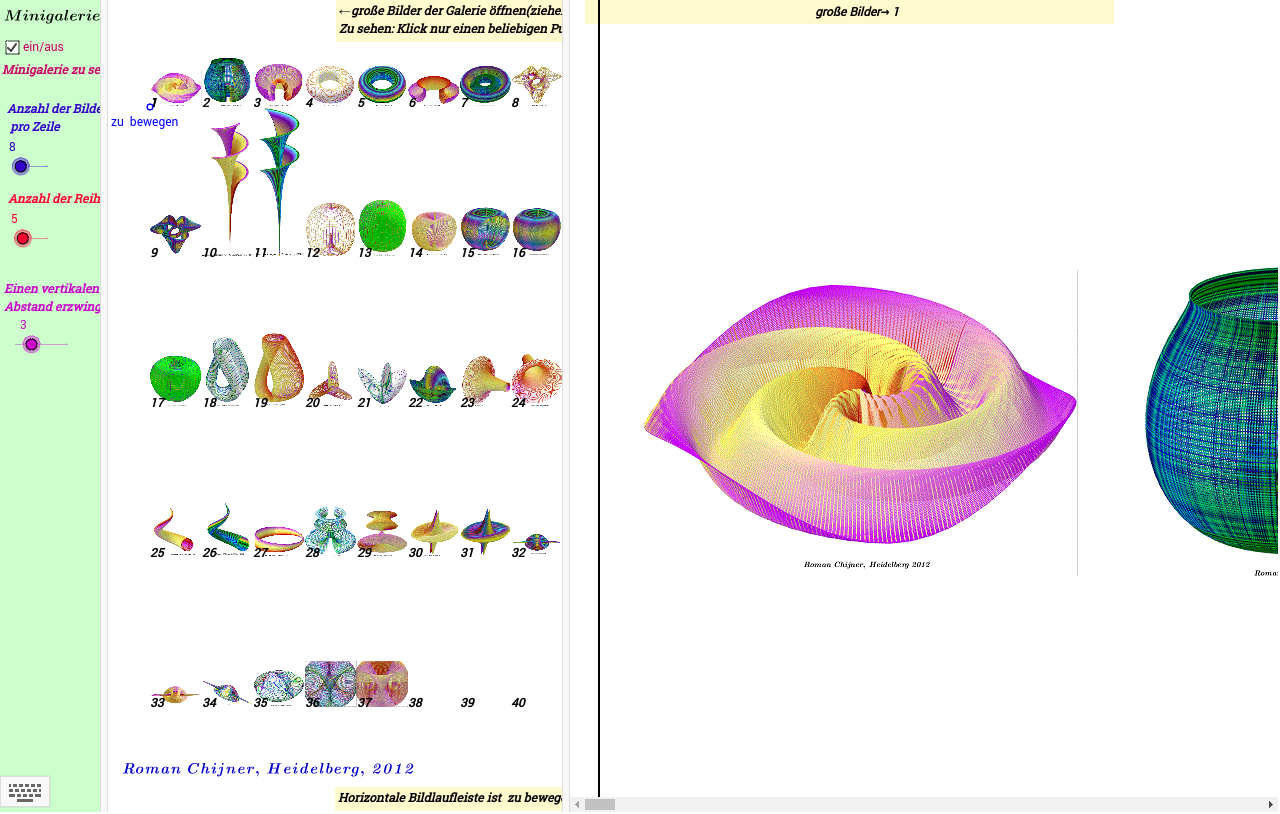
This example demonstrates parametric surfaces and their layered curves. Key mathematical concepts include parametric equations and solid geometry. Using GeoGebra commands such as Corner, Sequence, and Join, complex surfaces and curves can be constructed. Suitable for high school and above students or teachers for teaching or research on the properties of parametric surfaces.
GeoGebra Commands & Parameters
Corner(1) → W01Corner(2) → W02Corner(4) → W04Sequence(y(C0 - yW * (j - 1)), j, 1, Ny) → mySequence(x(C0 + xW * i), i, 0, Nx) → mxJoin(Sequence[Sequence[{(Element[mx, i], Element[my, j]), (Element[mx, i + 1], Element[my, j])}, i, 1, Nx], j, 1, Ny]) → l1Element(l1, b) → z0Sequence(Text[i], i, 1, (Nx + 1) * Ny) → l2Element(l2, b) → z1Corner(3) → W03
AI Drawing Prompt Reference
Draw a parametric surface with layered curves. First, define four corner points. Then, generate a series of curves perpendicular to the x-axis, followed by a series of curves parallel to the x-axis. Finally, connect these curves to form the surface. Pay attention to how the layers of curves stack up to create a complex surface structure.
The prompt above was compiled from the original drawing commands and is for reference only.