
Parametric Cylinder Visualization
Loading the math board and drawing, please wait…
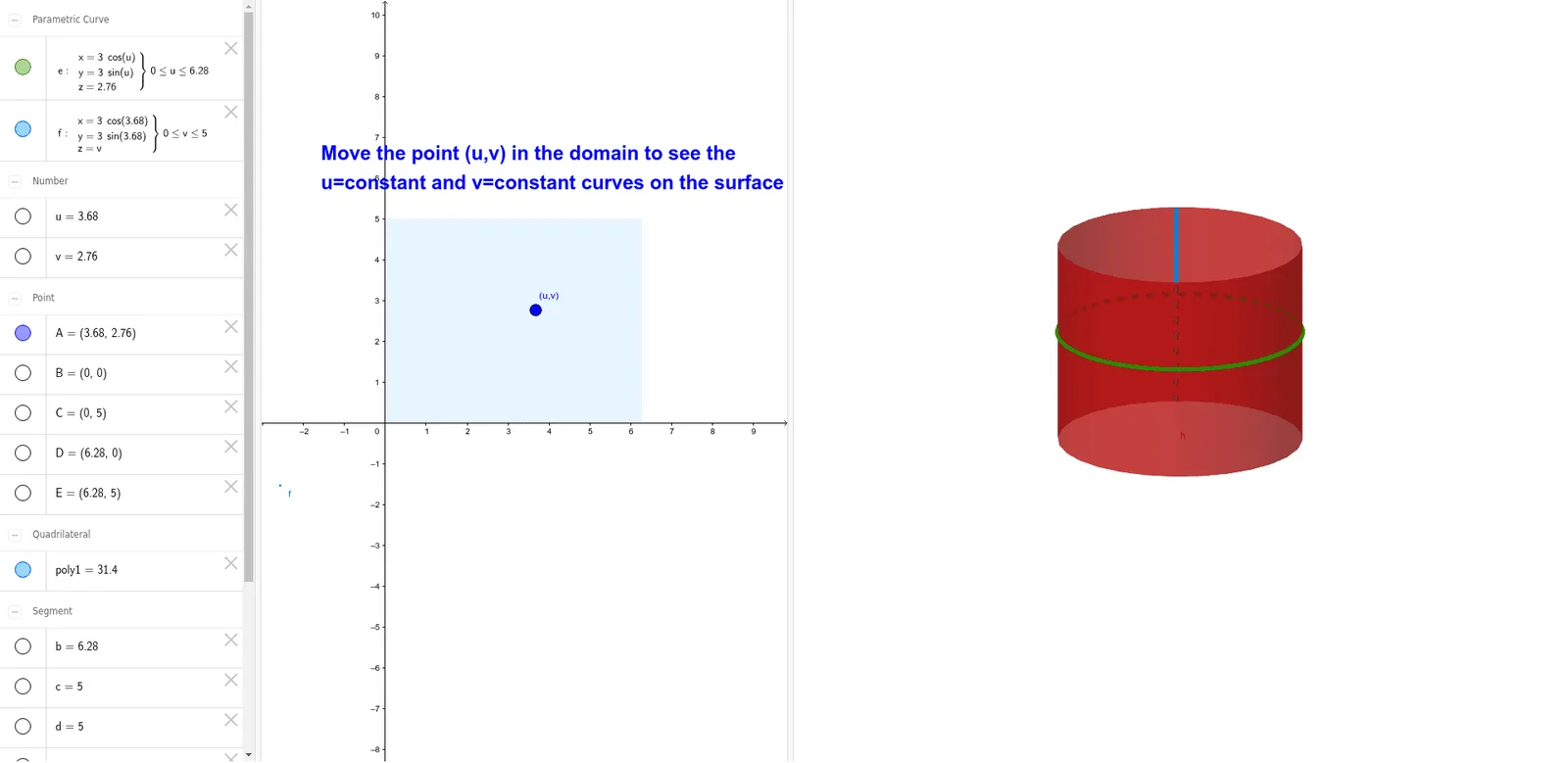
This GeoGebra example visualizes a cylinder constructed using parametric equations within a three-dimensional coordinate system. Key mathematical concepts involved are parametric curves, solid geometry, and surface generation. The construction relies on CurveCartesian to define the generating curve, Surface to render the 3D cylinder body, and Polygon to establish the base geometry. It is designed for high school or university students studying calculus or analytic geometry, offering an interactive way to explore parametric modeling and spatial visualization.
GeoGebra Commands & Parameters
CurveCartesian((3 * cos(u)), (3 * sin(u)), v, u, 0, 6.28319) → eCurveCartesian((3 * cos(u)), (3 * sin(u)), v, v, 0, 5) → fSurface((3 * cos(u)), (3 * sin(u)), v, u, 0, 6.28319, v, 0, 5) → hPolygon(B, D, E, C) → poly1, b, d, e_1, c
AI Drawing Prompt Reference
Draw a cylinder with a radius of 3, height of 5, and a base circle with radius 3. First, draw the parametric curve for the base circle, then draw the parametric curve for the side, use these curves to generate the cylinder's surface, and finally draw the quadrilateral for the base.
The prompt above was compiled from the original drawing commands and is for reference only.