
Parametric Cone by Luchins
Loading the math board and drawing, please wait…
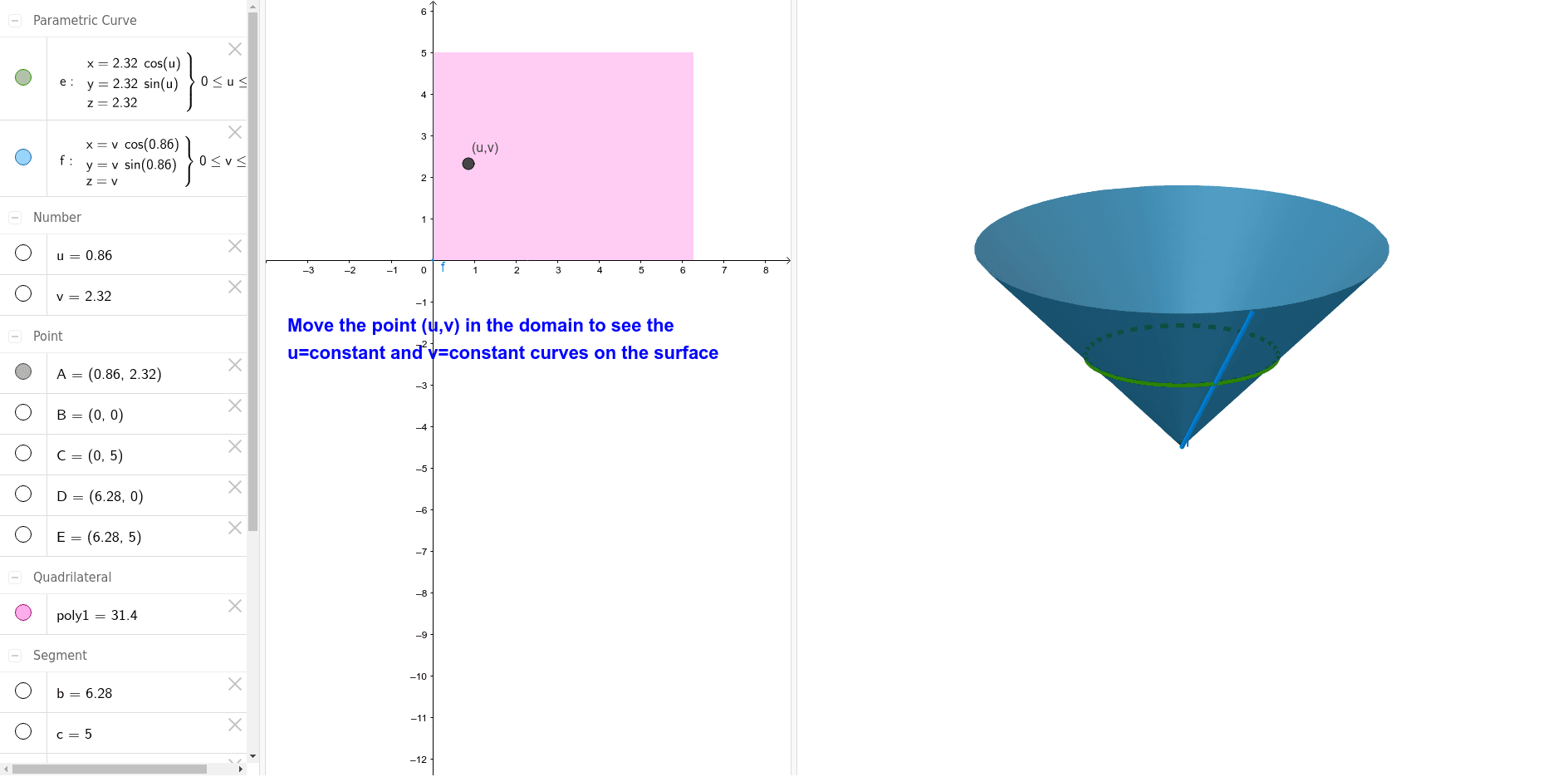
This example demonstrates the construction of a parametric cone. It involves key concepts of parametric equations and solid geometry. Using commands like Polygon, Surface, and CurveCartesian in GeoGebra, you can dynamically adjust the shape and size of the cone. Suitable for high school math education and learning parametric equations and solid geometry.
GeoGebra Commands & Parameters
Polygon(B, D, E, C) → poly1, b, d, e_1, cSurface((v * cos(u)), (v * sin(u)), v, u, 0, 6.28319, v, 0, 5) → hCurveCartesian((v * cos(u)), (v * sin(u)), v, u, 0, 6.28319) → eCurveCartesian((v * cos(u)), (v * sin(u)), v, v, 0, 5) → f
AI Drawing Prompt Reference
Draw a parametric cone using parametric equations to define the side surface. First, draw a base polygon, then construct the cone's surface with parameters u and v, and finally draw two generatrix lines of the cone.
The prompt above was compiled from the original drawing commands and is for reference only.