
Parallelogram by Barbara Dickinson-Ross
Loading the math board and drawing, please wait…
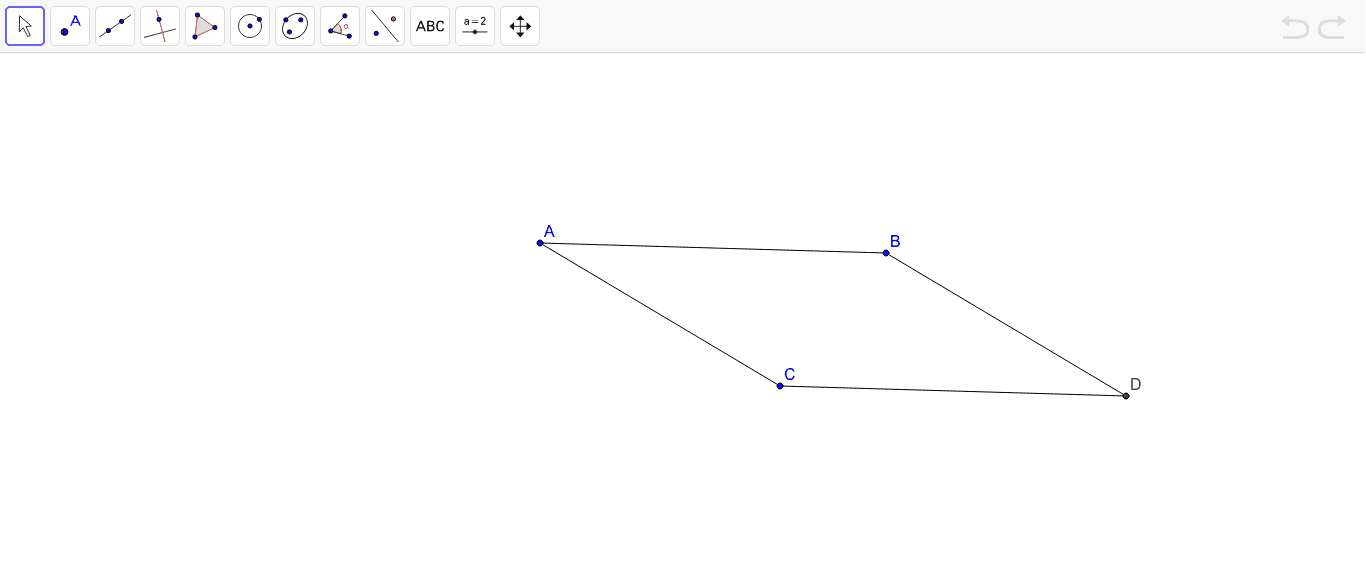
This example demonstrates the construction and properties of a parallelogram, involving core math concepts like parallelograms, quadrilaterals, incircle or inscribed circle, median value, calculus, upper and lower sum or Riemann sum. It is constructed using GeoGebra commands Segment, Line, Intersect and objects A, B, a, C, b, c, d, D, e, f, suitable for high school mathematics teaching or geometry learning.
GeoGebra Commands & Parameters
Segment(A, B) → aLine(C, a) → bSegment(A, C) → cLine(B, c) → dIntersect(d, b) → DSegment(B, D) → eSegment(C, D) → f
AI Drawing Prompt Reference
Draw a parallelogram by starting with two parallel line segments to form opposite sides, then connect the endpoints of these segments to create the other two sides. Next, draw the diagonals and their intersection point, then connect this point to the midpoints of the sides to highlight the parallelogram's symmetry and median properties.
The prompt above was compiled from the original drawing commands and is for reference only.