
Isosceles Trapezoid by Barbara Dickinson-Ross
Loading the math board and drawing, please wait…
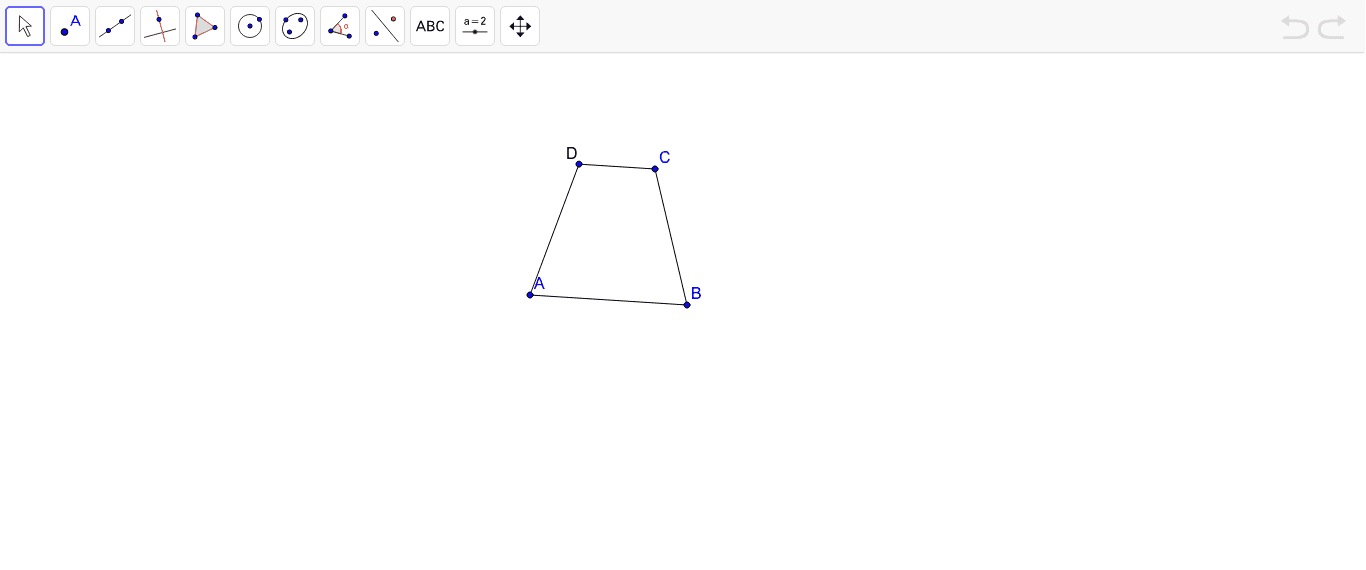
This example demonstrates the geometric construction and properties of an isosceles trapezoid. Key math concepts include polygons, trapezoids, median lines, and angle bisectors. Construction highlights involve using GeoGebra commands like Segment, Line, LineBisector, and Mirror to create objects such as points A, B, a, C, b, c, C', d, e, f, and text1. Suitable for middle school and above students learning geometric constructions and property exploration.
GeoGebra Commands & Parameters
Segment(A, B) → aLine(C, a) → bLineBisector(a) → cMirror(C, c) → C'Segment(A, C') → dSegment(C', C) → eSegment(C, B) → f
AI Drawing Prompt Reference
Draw an isosceles trapezoid by first creating the base and one non-base side, then draw a perpendicular line from the midpoint of the base to find the other top vertex of the trapezoid, connect all vertices to form the trapezoid, and label the median line and angle bisectors, finally demonstrating the symmetry of the isosceles trapezoid.
The prompt above was compiled from the original drawing commands and is for reference only.