
Parabola with Slider Animation
Loading the math board and drawing, please wait…
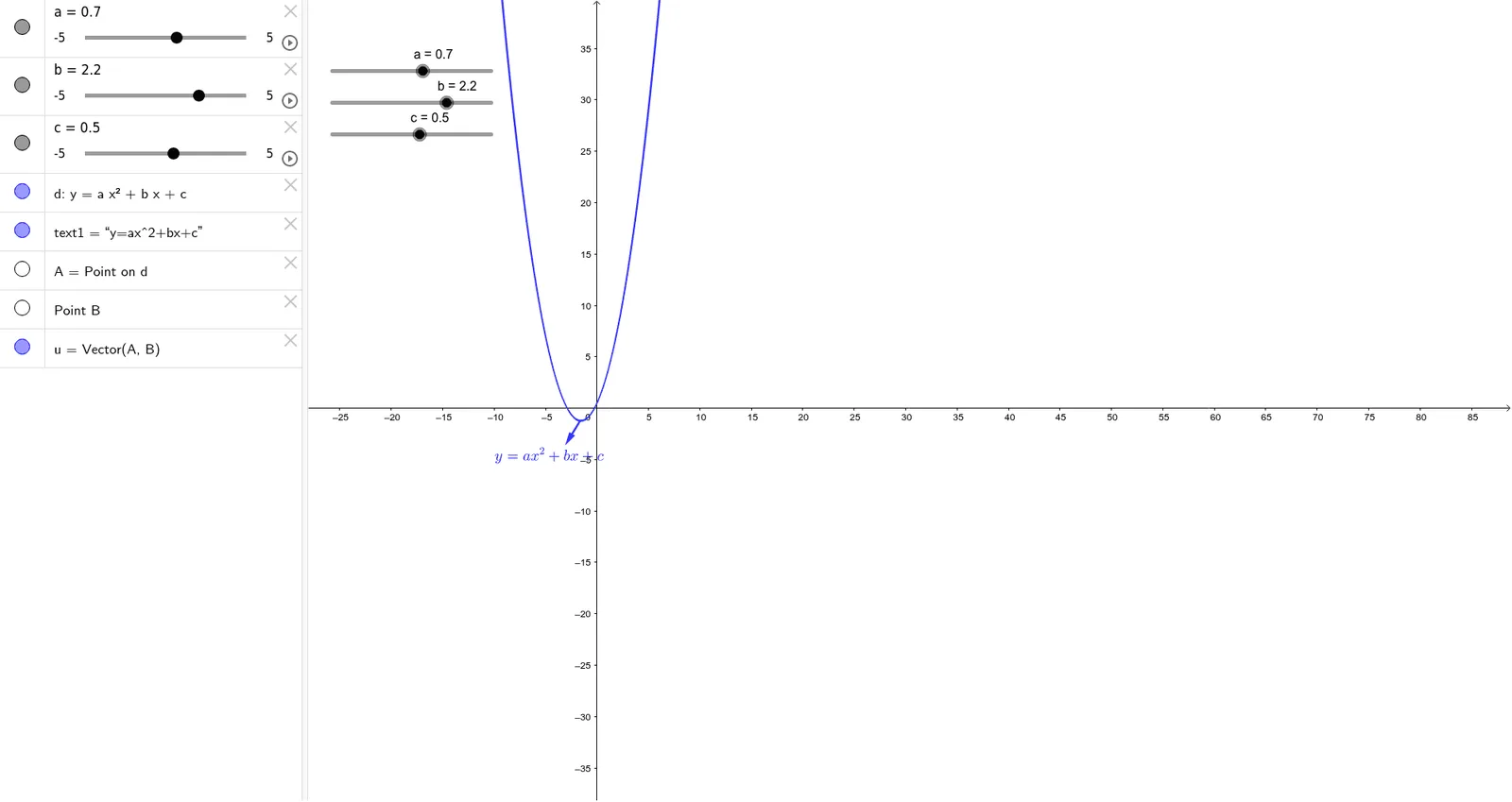
This example demonstrates how to use a slider to dynamically adjust the parameters of a parabola and observe its changes. The key mathematical concepts involved include quadratic functions, parametric equations, and geometric transformations. The construction involves using Point and Vector commands to create points and vectors, and controlling the parameters a, b, c, d via the slider. Suitable for high school students learning properties of quadratic functions and geometric construction techniques.
GeoGebra Commands & Parameters
Point(d) → AVector(A, B) → u
AI Drawing Prompt Reference
Draw a parabola and use a slider to adjust its parameters, observing the changes in the parabola. First, create a point A, then create a vector u from point A. Use the slider to control the parameters a, b, c, and d of the parabola, and observe the changes in its shape and position.
The prompt above was compiled from the original drawing commands and is for reference only.