
Osculating Vectors on a Parametric Curve
Loading the math board and drawing, please wait…
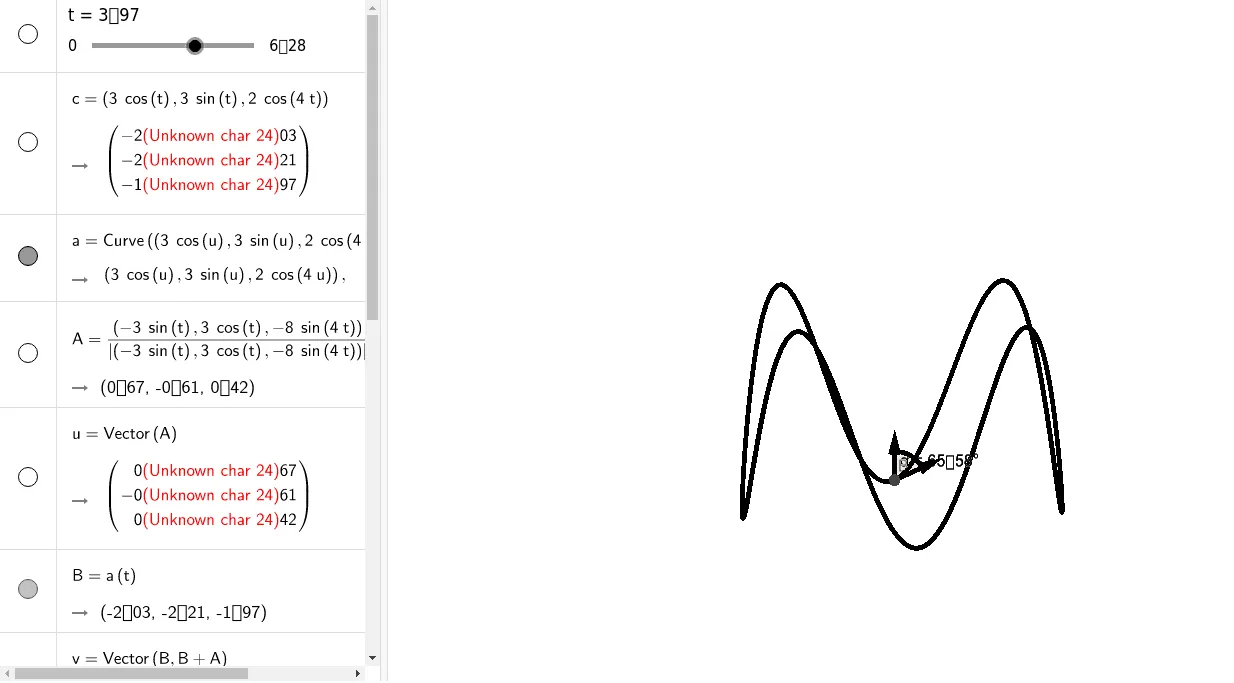
This GeoGebra example dynamically demonstrates osculating vectors on a parametric curve, showing how the tangent and normal direction vectors evolve as the curve bends. Core mathematical concepts include curvature, tangent vectors, normal vectors, and the Frenet-Serret frame. Construction uses GeoGebra commands CurveCartesian for the parametric curve, Vector to construct direction vectors, and Angle to visualize angular relationships. Suitable for calculus and differential geometry students exploring local curve geometry and vector fields.
GeoGebra Commands & Parameters
CurveCartesian(((3 * cos(u)), (3 * sin(u)), (2 * cos((4 * u)))), u, 0, 10) → aVector(A) → uVector(B, B + A) → vVector(B, B + C) → wVector(B, B + b) → dAngle(w, v) → α
AI Drawing Prompt Reference
Draw a parametric curve defined by parameter u from 0 to 10. Choose a point B on the curve and draw the tangent vector u and normal vectors v and w at point B. Then, draw vector b starting from point B and measure the angle α between vectors v and w.
The prompt above was compiled from the original drawing commands and is for reference only.