
Order of Operations Practice: Brackets & Priority Interactive Exercise
Loading the math board and drawing, please wait…
In collections
Bruchzahlen - Verbindung der Grundrechnungsarten
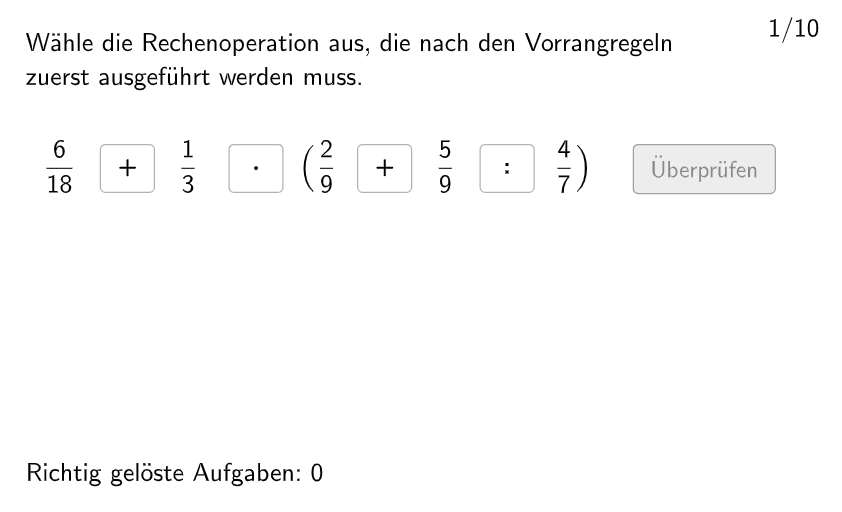
This is an interactive practice tool demonstrating random generation of mathematical expressions for students to determine calculation sequence. The core mathematical concept involves brackets (parentheses) and order of operations rules (PEMDAS/BODMAS - parentheses first, then multiplication/division, then addition/subtraction). Construction highlights: uses GeoGebra's Shuffle command to randomize question order, Element command to select current question, btnValidate to check answers, btnTryAgain and btnNew buttons for retry and new questions, with attemptCount and correctCount tracking practice progress. Suitable for grades 5-6 students to master operation priority and build mathematical reasoning skills.
GeoGebra Commands & Parameters
Shuffle(1…numberOfQuestions) → randomQuestions, {6, 8, 9, 5, 3, 1, 2, 4, 10, 7}Element(randomQuestions, Mod[questionCount, Length[randomQuestions]] + 1) → randomQuestionElement(allCorrectPosition, randomQuestion) → actualCorrectPositionElement(allSolutionTexts, randomQuestion) → actualSolutionTextElement(allRechenzeichen, randomQuestion) → actualRechenzeichen
AI Drawing Prompt Reference
Create an interactive math practice interface for order of operations with brackets. The center shows a randomly generated expression with parentheses, multiplication, division, addition, and subtraction. Below the expression, place buttons for checking the answer, retrying, and generating a new problem. On the side, display the current question number, attempt count, and correct count. Keep the layout clean and student-friendly, with clear buttons and a simple background.
The prompt above was compiled from the original drawing commands and is for reference only.