
Optical Illusion Squares Generating a Fractal
Loading the math board and drawing, please wait…
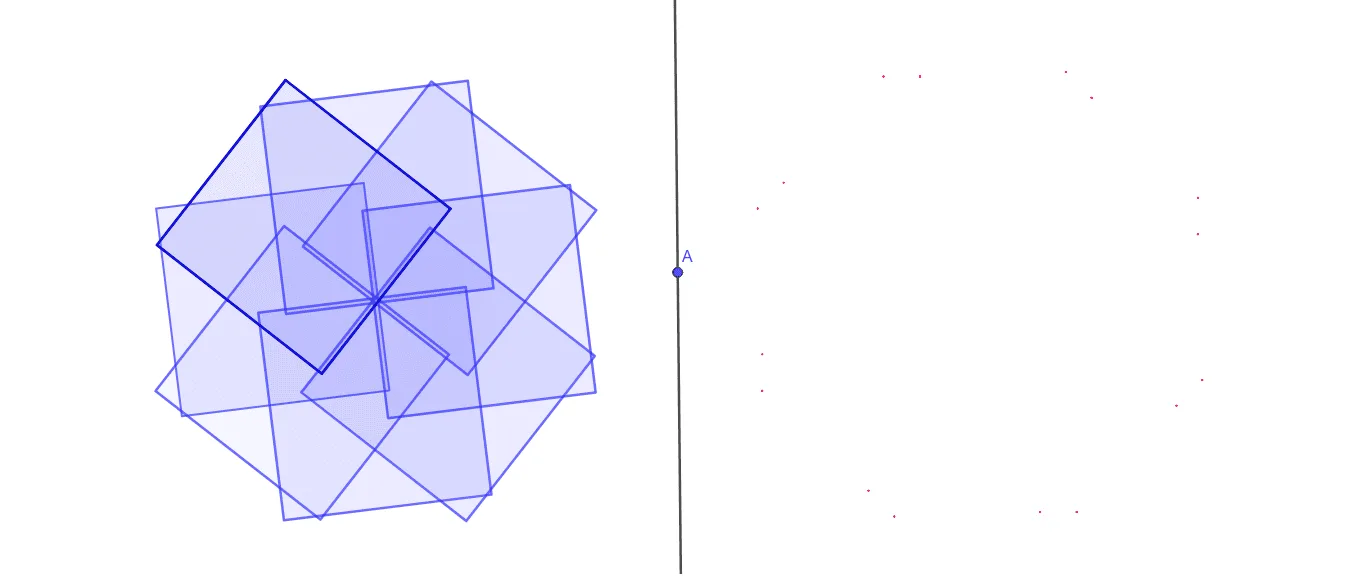
This example demonstrates the geometric phenomenon of constructing a fractal using optical illusion squares. It involves core mathematical concepts like fractal geometry, parallelogram, arithmetic, binomial distribution, circumcircle, and bar chart. The construction utilizes GeoGebra commands/objects such as Circle, Point, Polygon, Rotate, Line, Mirror, and PointIn. It is suitable for high school and above students exploring geometric transformations and fractal generation processes.
GeoGebra Commands & Parameters
Circle(F, 2) → cPoint(c) → GPolygon(G, H, 4) → d, j, k, l, m, I, JRotate(d, 45°, F) → d'Rotate(d', 45°, F) → d''Rotate(d'', 45°, F) → d'''Rotate(d''', 45°, F) → eRotate(e, 45°, F) → e'Rotate(e', 45°, F) → e''Rotate(e'', 45°, F) → e'''Line(A, B) → fMirror(J, f) → J'Mirror(I, f) → I'Mirror(d, f) → d'_1Mirror(d', f) → d''_1Mirror(d'', f) → d'''_1Mirror(d''', f) → aMirror(e, f) → e'_1Mirror(e', f) → e''_1Mirror(e'', f) → e'''_1Mirror(e''', f) → bPointIn(d'_1) → CPointIn(b) → EPointIn(e'''_1) → LPointIn(e''_1) → NPointIn(e'_1) → PPointIn(a) → RPointIn(d'''_1) → TPointIn(d''_1) → WPointIn(b) → DPointIn(e'''_1) → KPointIn(e''_1) → MPointIn(e'_1) → OPointIn(a) → QPointIn(d'''_1) → SPointIn(d''_1) → UPointIn(d'_1) → V