
Obtuse Triangle Area
Loading the math board and drawing, please wait…
In collections
Area of Polygons
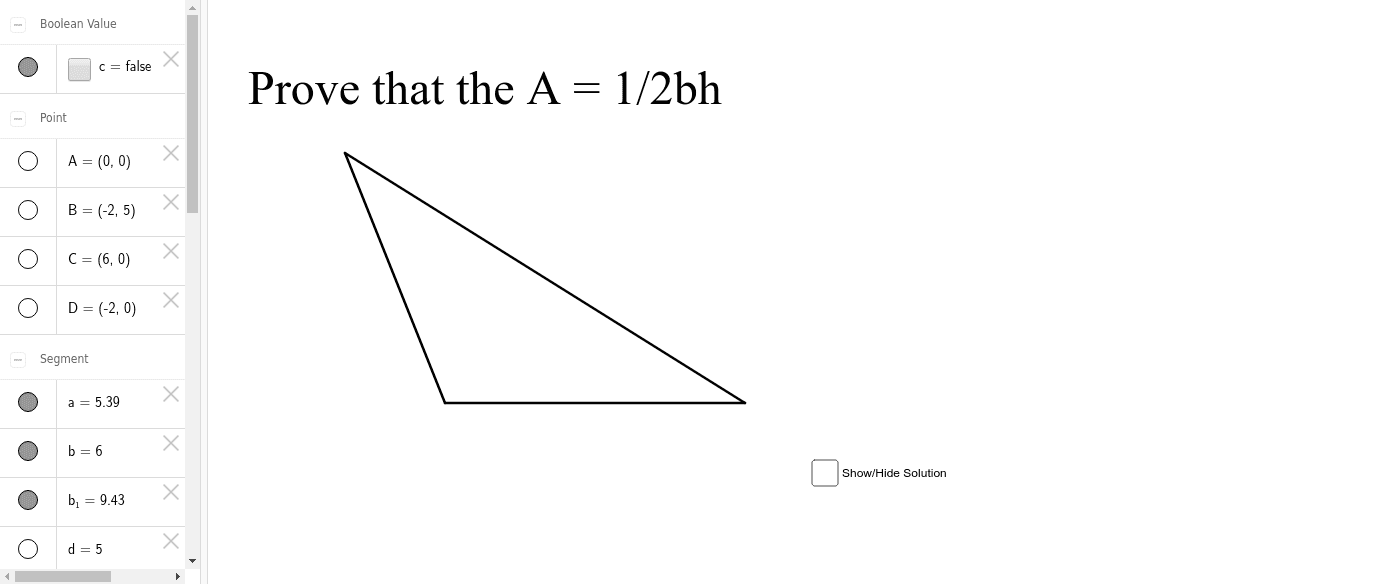
This example demonstrates the area calculation of an obtuse triangle. Key mathematical concepts include the formula for the area of a triangle and the properties of obtuse triangles. Using GeoGebra commands such as Point and Segment, a dynamic obtuse triangle can be constructed and its area calculated. Suitable for students in middle school and above learning triangle-related knowledge.
GeoGebra Commands & Parameters
Point(yAxis) → APoint(xAxis) → CSegment(A, B) → aSegment(B, C) → b_1Segment(C, A) → bPoint(xAxis) → DSegment(B, D) → dSegment(D, A) → e
AI Drawing Prompt Reference
Draw an obtuse triangle and calculate its area. Start by taking point A on the y-axis and point C on the x-axis. Connect AC to form one side of the triangle. Then take point D on the x-axis and draw segments BD and DA to form the obtuse triangle ABC, where BD is b1 and DA is b.
The prompt above was compiled from the original drawing commands and is for reference only.