
Numbers to Words (Hundreds)
Loading the math board and drawing, please wait…
In collections
Arithmetic: Skills & Concepts
Arithmetic: Skills & Concepts
Arithmetic: Skills & Concepts
Place Value
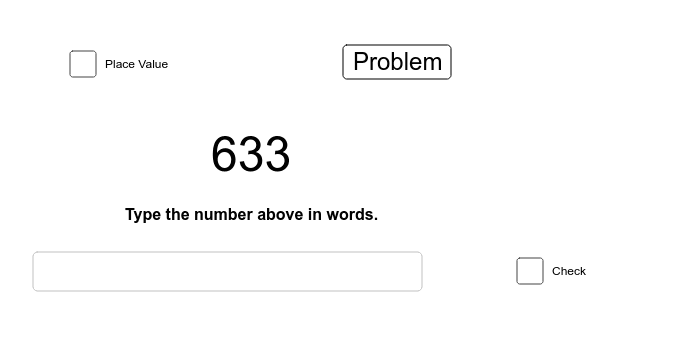
This example practices converting numbers to their corresponding Chinese words, helping students master the reading and writing of three-digit numbers. It involves concepts such as place value and Chinese number pronunciation. Using GeoGebra commands like Random, Text, Length, Element, Textfield, and If, it randomly generates numbers and displays their corresponding Chinese words. Suitable for high-grade elementary or low-grade middle school students.
GeoGebra Commands & Parameters
Random(1, 9) → genRandom(1, 24) → A10Random(0, (999 * gen / gen)) → A2Random(0, (9 * gen / gen)) → A3Random(0, (9 * gen / gen)) → A4Random(0, (9 * gen / gen)) → A5Random(0, (9 * gen / gen)) → A1Text(B1) → B2Length(list1) → cLength(list2) → dElement(list4, A10) → B11Textfield() → inputBox1If(B11 < 1000000, x = 0.6) → iIf(B11 < 1000000, x = 0.6) → jIf(B11 < 1000000, x = 0.6) → lIf(B11 < 1000000, x = 0.6) → mIf(B11 < 1000000, x = 0.6) → nIf(B11 < 1000000, x = 0.6) → pIf(B11 < 1000000, x = 0.6) → qIf(B11 < 1000000, x = 0.6) → rIf(B11 < 1000000, x = 0.6) → sIf(B11 < 1000000, x = 0.6) → tElement(list3, A10) → A11
AI Drawing Prompt Reference
Create a dynamic visualization that randomly generates a three-digit number and displays its corresponding Chinese word representation. Use a slider to control the number of digits, input the number in a text field, and adjust the text display position and style based on the number's length and value range, resulting in an interactive tool for practicing Chinese number pronunciation.
The prompt above was compiled from the original drawing commands and is for reference only.