
Multiplication Visualization Aid
Loading the math board and drawing, please wait…
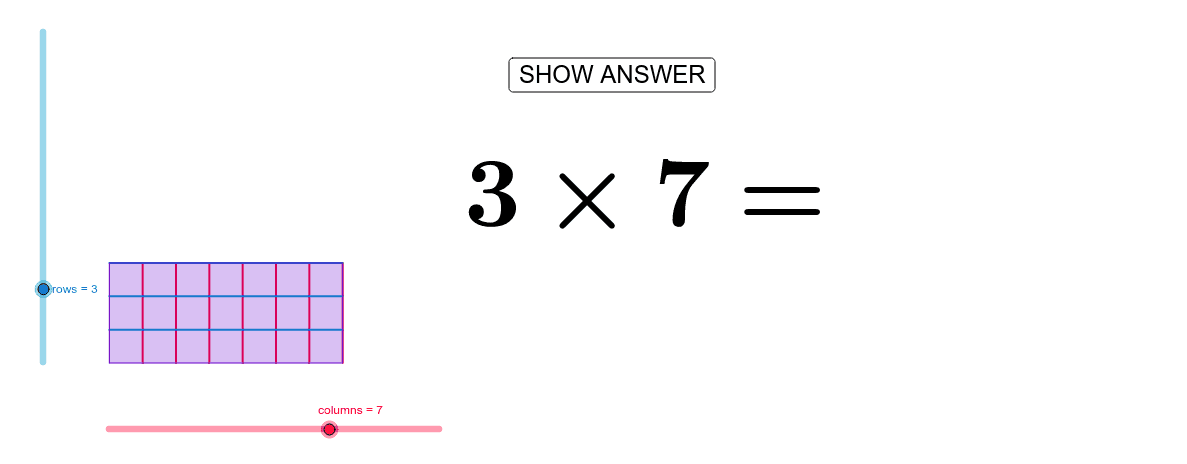
This example demonstrates the multiplication of one-digit numbers through dynamic geometry, visually linking multiplication to addition. Core math concepts include multiplication, arithmetic, linear equations, perimeter, scalene triangles, and reflection. It is constructed using GeoGebra commands like Intersect, Point, Segment, OrthogonalLine, Circle, Line, Sequence, and Polygon. Ideal for elementary students to grasp multiplication operations and its geometric interpretations.
GeoGebra Commands & Parameters
Intersect(xAxis, yAxis) → APoint(Circle[A, abs(columns)]) → BSegment(A, B) → aOrthogonalLine(A, a) → bOrthogonalLine(B, a) → cCircle(A, rows) → dIntersect(d, b, 2) → CLine(C, a) → eIntersect(c, e) → DSequence(Segment[A + (i * (1, 0)), C + (i * (1, 0))], i, 1, columns) → list1Sequence(Segment[A + (i * (0, 1)), B + (i * (0, 1))], i, 1, rows) → list2Polygon(A, B, D, C) → poly1, a_2, b_1, d_1, c_1
AI Drawing Prompt Reference
Draw a coordinate system to visualize the multiplication of one-digit numbers dynamically. Start with a horizontal line from the origin and a vertical line perpendicular to it, forming a right angle. Draw a circle centered at the origin, intersecting the horizontal line at a point. Connect the origin to this point. From this point, draw multiple line segments along the horizontal line, increasing in length until reaching the circle's circumference. Do the same along the vertical line. Finally, connect the origin, the intersection point on the circle, the other intersection point on the circle, and the intersection point of the vertical line with one of the line segments to form a quadrilateral.
The prompt above was compiled from the original drawing commands and is for reference only.