
Multiplication Table Quiz from 6 to 9 - Level 2
Loading the math board and drawing, please wait…
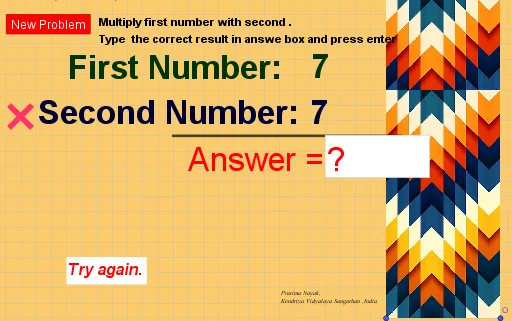
This example demonstrates a multiplication table quiz from 6 to 9, involving the core mathematical concept of multiplication. Using GeoGebra commands such as Random, Textfield, and Segment, it dynamically generates multiplication questions to help students practice multiplication. Suitable for high-grade elementary or low-grade middle school students.
GeoGebra Commands & Parameters
Random(6, 9) → aRandom(1, 10) → bTextfield(c) → InputBox2Segment(A, C) → f
AI Drawing Prompt Reference
Create a multiplication practice interface with a light background. Place a text input box in the center for entering answers. Above the input box, display a randomly generated multiplication question like "7 × 5 =", where the first factor is randomly chosen from 6 to 9 and the second from 1 to 10. To the right of the input box, draw a straight line segment connecting two points as a decorative or guiding element. Keep the layout clean and focused on the exercise, suitable for student use.
The prompt above was compiled from the original drawing commands and is for reference only.