
Multiplication Sliders
Loading the math board and drawing, please wait…
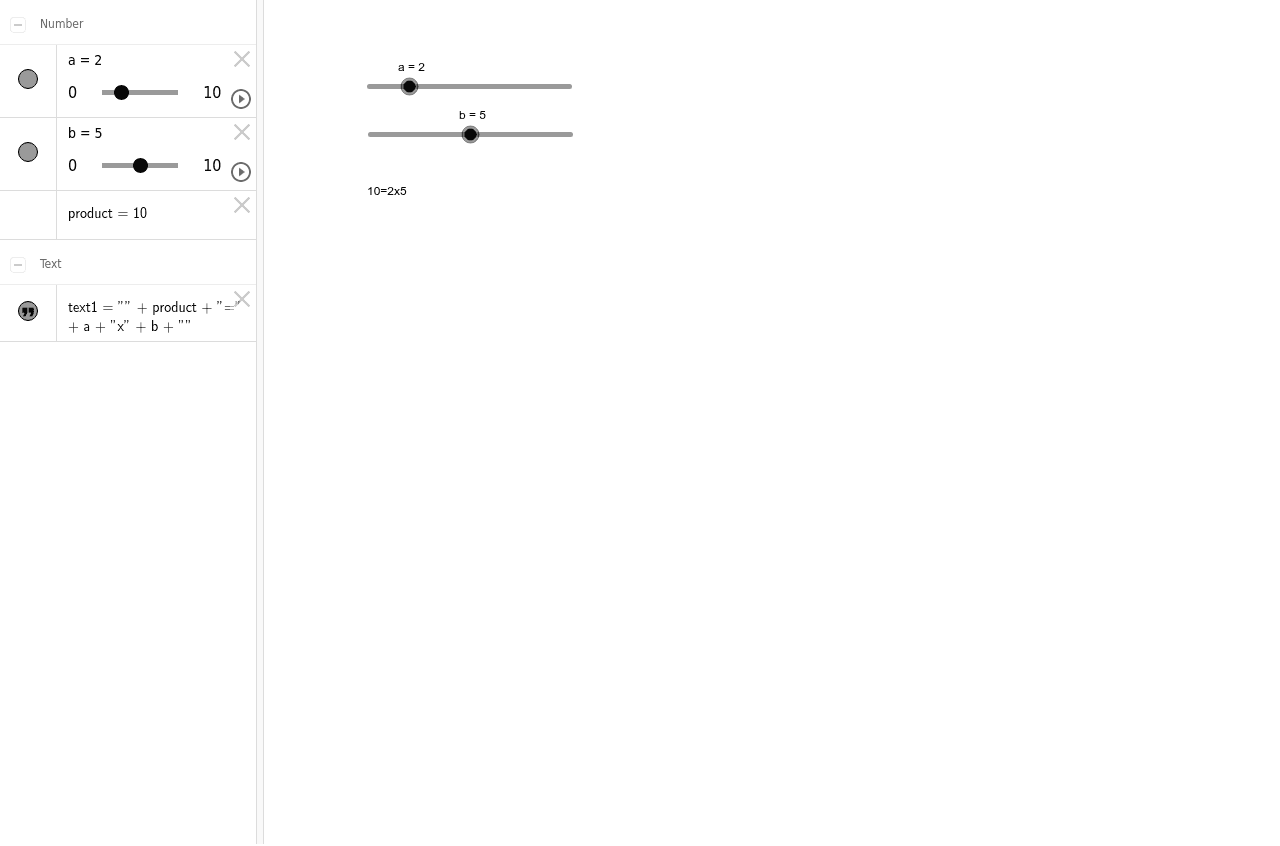
This example uses sliders to demonstrate multiplication, showing the process of multiplying two adjustable numbers. Key mathematical concepts include multiplication and dynamic changes in geometric shapes. It utilizes GeoGebra objects such as `a`, `b`, `product`, and `text1` for construction. Suitable for students from upper elementary to middle school to learn about multiplication and its applications.
GeoGebra Commands & Parameters
Numeric a(2)Numeric b(5)(a * b)
AI Drawing Prompt Reference
Create a multiplication slider to demonstrate the multiplication process by adjusting two adjustable numbers a and b. First, create two numeric sliders with a set to 2 and b set to 5, then calculate their product, and finally display the product on the canvas.
The prompt above was compiled from the original drawing commands and is for reference only.