
Multiplication and Rectangle Area Demo
Loading the math board and drawing, please wait…
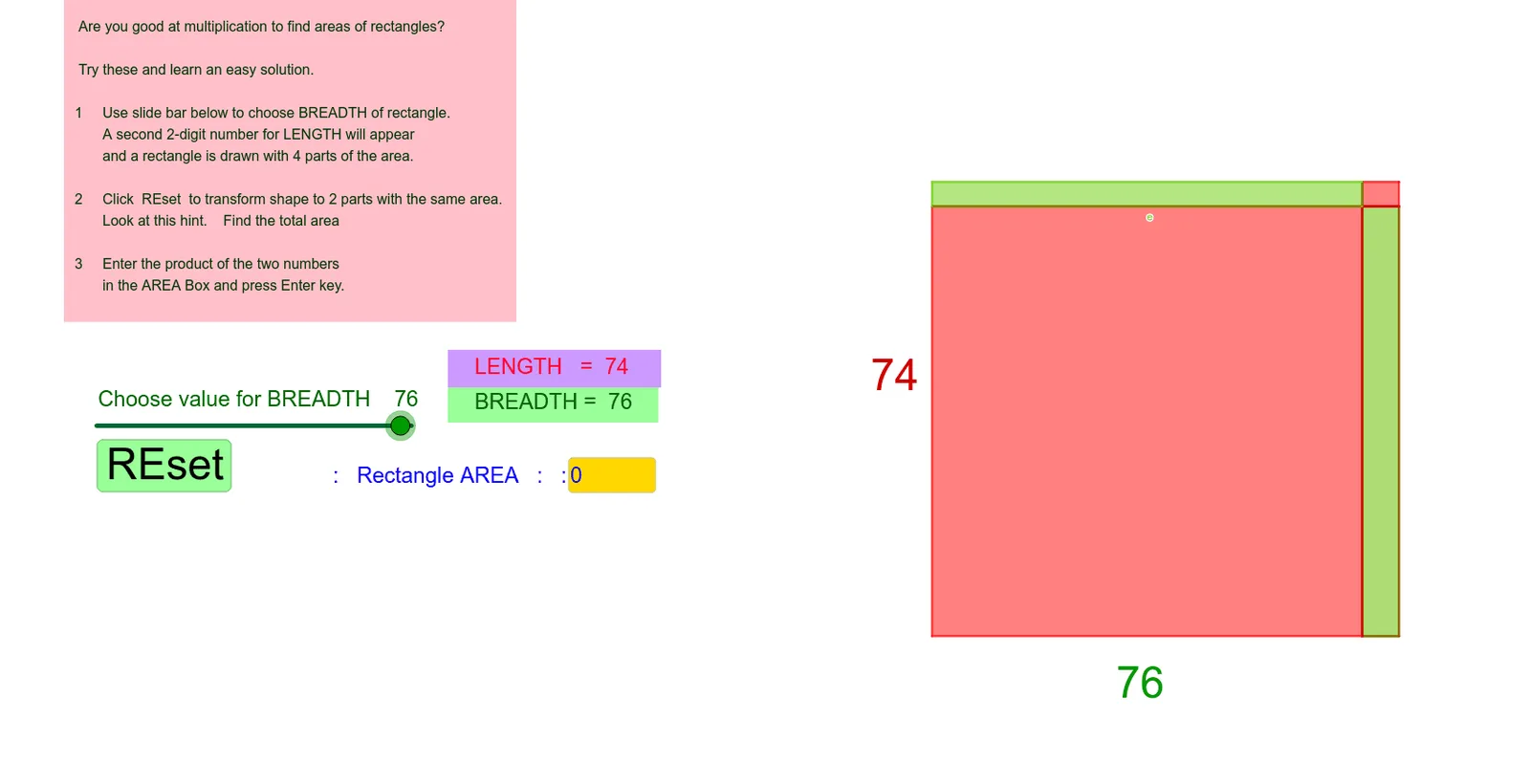
This example dynamically demonstrates multiplication of 42 by 48, linking it to rectangle area calculation to visually show the geometric meaning of multiplication. Core math concepts include multiplication, natural numbers, rectangle area, rotation, translation, parabola, interest calculation, geometric mean, and dilation. GeoGebra commands/objects like Mod, Div, Segment, Polygon, Vector, Translate, and Textfield are used to construct the rectangle model and implement dynamic transformations. Suitable for middle school and above mathematics education to understand the geometric essence of multiplication and transformation concepts.
GeoGebra Commands & Parameters
Mod(b, 10) → uDiv(b, 10) → tSegment(((10 * t), 0), ((10 * t), l)) → fSegment((0, (10 * t)), (b, (10 * t))) → gPolygon(((10 * t), 0), (b, 0), (b, (10 * t)), ((10 * t), (10 * t))) → q1, h, i, j, kVector((0, 10)) → vTranslate(Polygon[Rotate[C, (((-s) * 90))°, C], Rotate[D, (((-s) * 90))°, C], Rotate[E, (((-s) * 90))°, C], Rotate[F, (((-s) * 90))°, C]], Vector[(s * v)]) → q2Polygon((0, 0), ((10 * t), 0), ((10 * t), (10 * t)), (0, (10 * t))) → poly4, m, n, p, qPolygon(((10 * t), (10 * t)), (b, (10 * t)), (b, l), ((10 * t), l)) → q3, r, a, c, dPolygon((0, (10 * t)), ((10 * t), (10 * t)), ((10 * t), l), (0, l)) → q4, e, f_1, g_1, h_1Polygon((0, 0), ((10 * t), 0), ((10 * t), (10 * t) + 10), (0, (10 * t) + 10)) → q5, i_1, j_1, k_1, l_1Textfield(ans) → InputBox2