
Mr Bradbury's Trig Triangle
Loading the math board and drawing, please wait…
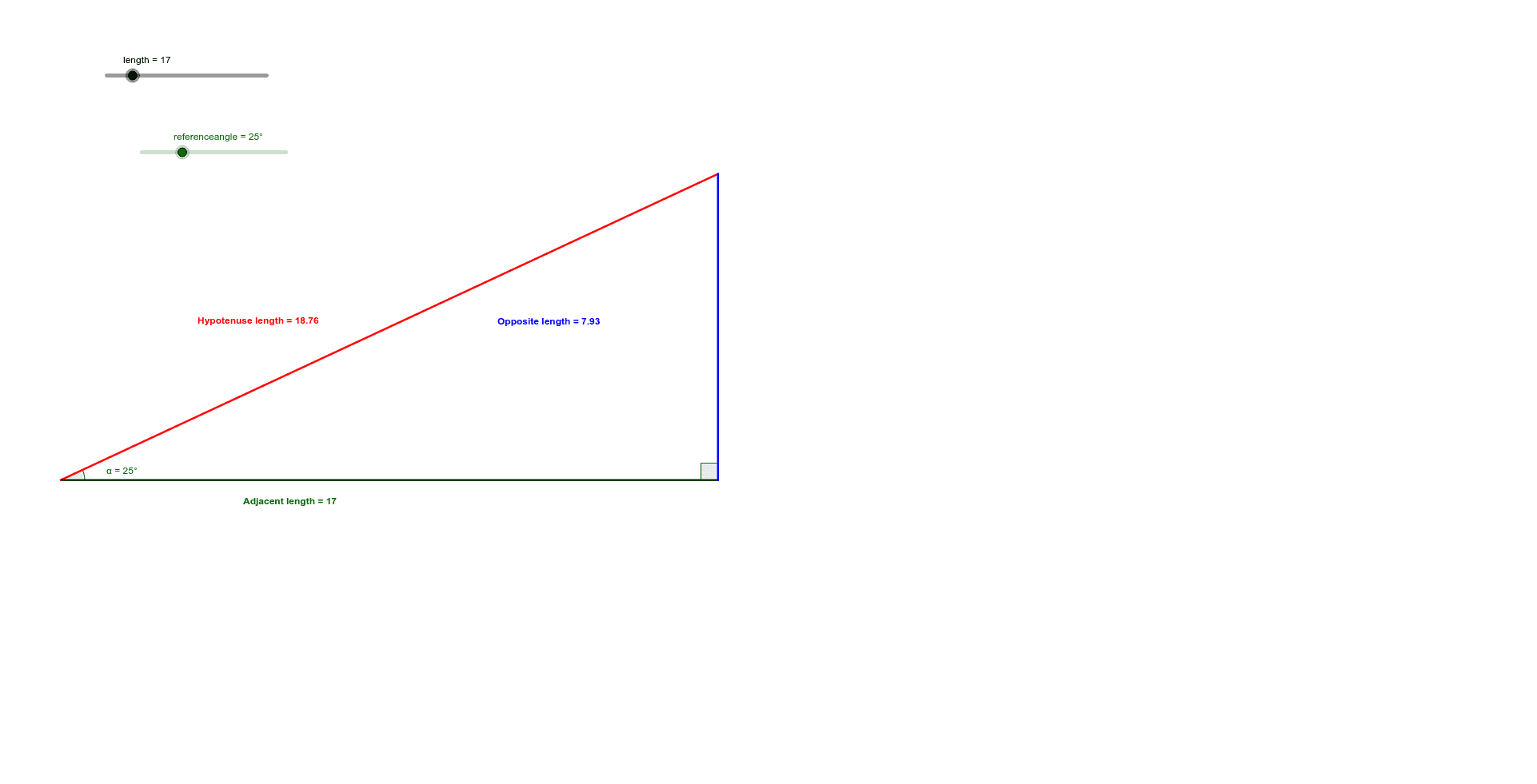
This is a right-angled triangle demonstrating the hypotenuse, adjacent, and opposite lengths. The reference angle can be adjusted in 1° increments. Constructed using GeoGebra commands such as Point, Segment, OrthogonalLine, etc. Suitable for middle school and above students to learn trigonometry.
GeoGebra Commands & Parameters
Point(Circle[A, length]) → BSegment(A, B) → aOrthogonalLine(B, a) → bRotate(B, referenceangle, A) → B'Angle(B, A, B') → αLine(A, B') → cIntersect(b, c) → CSegment(C, A) → dSegment(A, B) → eSegment(B, C) → fAngle(C, B, A) → β
AI Drawing Prompt Reference
Draw a right-angled triangle with the hypotenuse, adjacent, and opposite sides. Adjust the reference angle to change the angle of the triangle. Start by drawing a circle and taking a point on it as the right angle vertex, then draw a segment from the center to this point as one of the legs. Construct a perpendicular line to this segment, rotate the point to form a new point, connect the new and old points to form the reference angle, then draw a segment from the center to the new point as the hypotenuse, and finally draw a segment from the center to the right angle vertex as the adjacent side.
The prompt above was compiled from the original drawing commands and is for reference only.