
Movable Elements Venn Diagram
Loading the math board and drawing, please wait…
In collections
Class-10
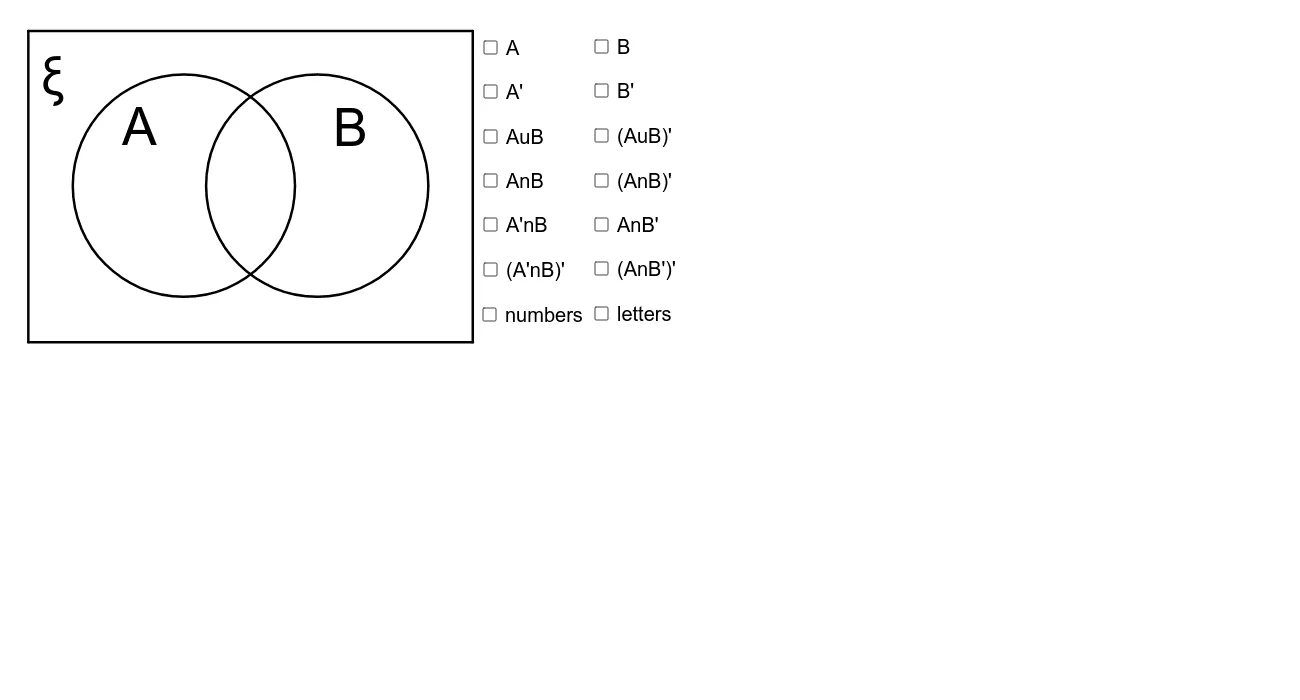
This example demonstrates a Venn diagram with movable elements, allowing users to adjust the values of each set by dragging letters and numbers. It covers core concepts of set theory such as union, intersection, and complement. Using GeoGebra commands like Point, Circle, Intersect, etc., the diagram can be dynamically adjusted. Suitable for middle school and above students to learn set theory and logical reasoning.
GeoGebra Commands & Parameters
Point(yAxis) → ACircle(A, 5) → AboldPoint(xAxis) → BCircle(B, 5) → BboldPolygon(C, D, E, F) → Ubold, c_1, d_1, e, fIntersect(Abold, Bbold, 1) → GIntersect(Abold, Bbold, 2) → HCircleArc(A, G, H) → AarcCircleArc(B, G, H) → AsarcCircleArc(A, H, G) → BsarcCircleArc(B, H, G) → BarcCircle(A, 5) → AshadeCircle(B, 5) → BshadePolygon(C, D, E, F) → Ushade, K_2, K_3, K_4, K_5Circle(A, 5) → AwhiteCircle(B, 5) → BwhiteCircleArc(B, G, H) → AsarcwhiteCircleArc(A, H, G) → BsarcwhiteCircleArc(A, H, G) → BsarcxCircleArc(B, G, H) → Asarcx
AI Drawing Prompt Reference
Create a Venn diagram with two movable circles representing sets A and B. The circles intersect to form three regions: the intersection of A and B, the part unique to A, and the part unique to B. Adjust the size and position of the circles by dragging the points inside them. Draw arcs to represent the intersection and unique parts, and use different colors to distinguish each region.
The prompt above was compiled from the original drawing commands and is for reference only.