
Motion Sensor Animation
Loading the math board and drawing, please wait…
In collections
Algebra 1|3: Linear Equations
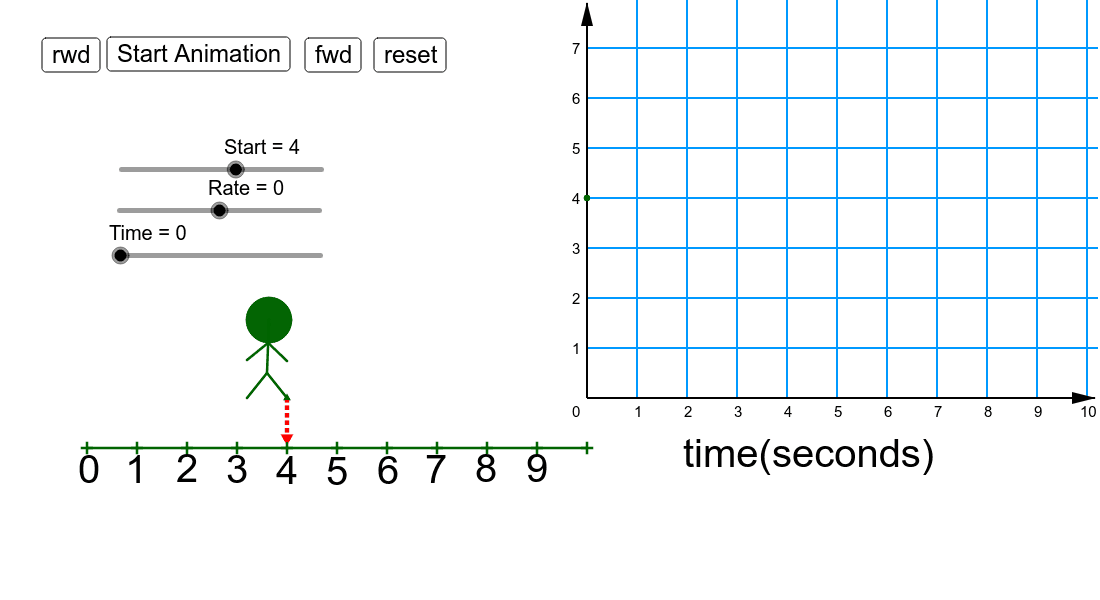
This example demonstrates the animation effect of a motion sensor. Core mathematical concepts include kinematics and geometric transformations. Using GeoGebra commands such as Segment, Point, Circle, etc., the motion trajectory of an object can be dynamically displayed. Suitable for high school physics and mathematics education.
GeoGebra Commands & Parameters
Segment(D, E) → cSegment(E, F) → dSegment(E, G) → ePoint(c) → HSegment(H, I) → fSegment(H, J) → gCircle(D, H) → hSegment(K, L) → iOrthogonalLine(G, i) → jPoint(j) → MSegment(G, M) → kTextfield() → InputBox1Segment(P, Q) → mPoint(i) → APoint(i) → BPoint(i) → CPoint(i) → RPoint(i) → SPoint(i) → TPoint(i) → UPoint(i) → VPoint(i) → WPoint(i) → ZPoint(i) → A_1