
Modeling with Systems of Inequalities in Two Variables Practice
Loading the math board and drawing, please wait…
This example demonstrates how to model with systems of inequalities in two variables. Key mathematical concepts include the solution set of the system of inequalities and its geometric representation. Using GeoGebra commands such as Intersect, Segment, and Polygon, the solution region of the system of inequalities can be constructed. Suitable for students at the middle school level and above for learning and practicing systems of inequalities modeling.
GeoGebra Commands & Parameters
Intersect(b, eq1) → AIntersect(f, a) → BIntersect(a, eq1) → CIntersect(f, b) → DSegment(C, B) → gSegment(A, D) → hIntersect(a, b) → EPolygon({A, E, B, (0, 0)}) → region1Polygon({A, E, C}) → region2Polygon({B, E, D}) → region3Corner(3) → windowCornerPolygon({C, E, D, (x(windowCorner), y(D)), windowCorner, (x(C), y(windowCorner))}) → region4
AI Drawing Prompt Reference
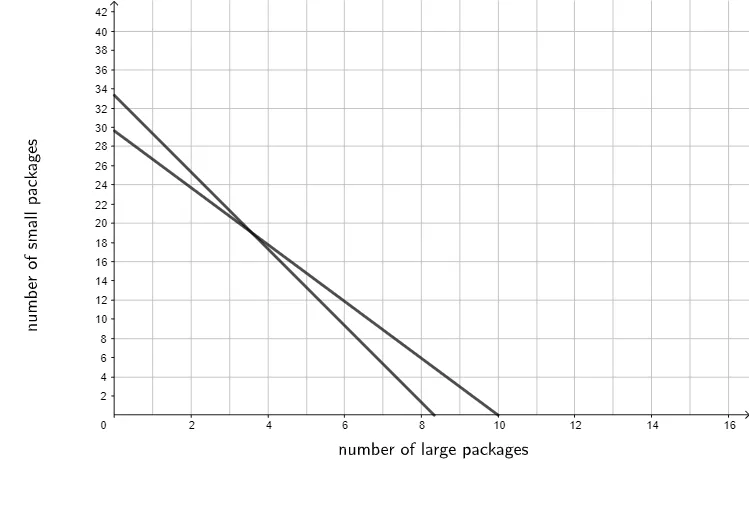
Draw a coordinate system with the solution sets of two inequalities, connect the intersection points with three line segments, and fill in three triangles and another quadrilateral to form the solution region of the system of inequalities, start by drawing line segments and intersection points, then fill in the regions.
The prompt above was compiled from the original drawing commands and is for reference only.