
Modeling Circular Motion with Geometry and Trigonometric Relations
Loading the math board and drawing, please wait…
This example demonstrates how to model circular motion using geometric construction and parameter/angle-based relationships, with a clear visualization of how changing the angle updates the position of a moving point on a circle. Key mathematical ideas include the circle and its center, representing a point on the circumcircle via angle (parameterization), and using congruence-related circle concepts such as circumcircle/circumscribed circle to provide geometric constraints. The lesson context also aligns with modeling strategies inspired by Riemann-sum style thinking (accumulating change over steps) and, where applicable, expected-value or optimization-style reasoning, linking geometry to quantitative modeling. For construction, the provided “construction summary” contains no explicit GeoGebra commands or objects; therefore, the construction is expected to rely on standard GeoGebra objects: create a circle and its center, add a controllable angle (typically via a slider), place a point on the circle driven by that parameter, and construct the radius and the measured angle as visual links to the model. Suitable for secondary to early undergraduate learners, especially for geometry–trigonometry integration and introductory modeling of circular motion.
AI Drawing Prompt Reference
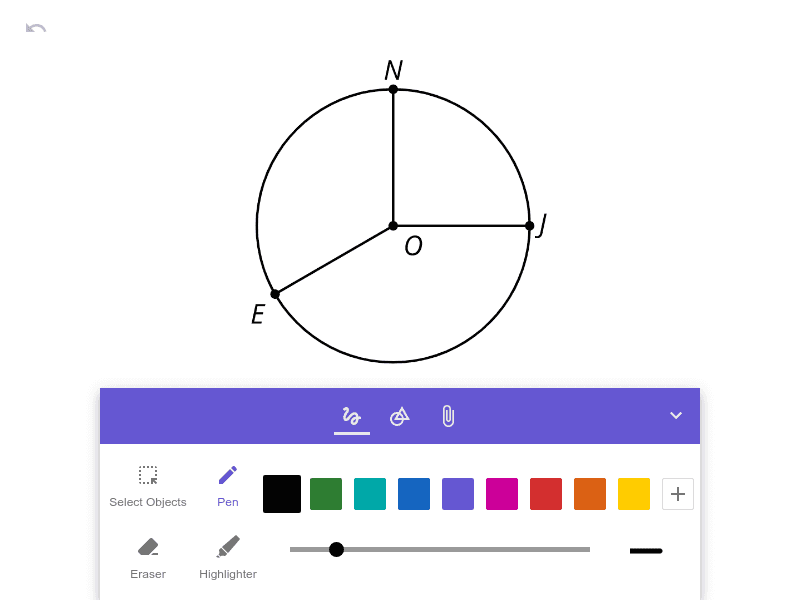
Draw a plane figure with a circle and its center. Construct a radius segment from the center to a point on the circumference. Add a controllable angle parameter and use that angle to place a moving point on the circle, so the point’s position is determined by the angle. Show the measured angle at the center between a reference direction and the radius line to the moving point. Keep the radius and the angle annotation together to visually demonstrate how the position on the circumcircle updates when the angle changes, highlighting a simple geometry–trigonometry parameterization.
The prompt above was compiled from the original drawing commands and is for reference only.