
Mod2 Quadratic Roots Refinement
Loading the math board and drawing, please wait…
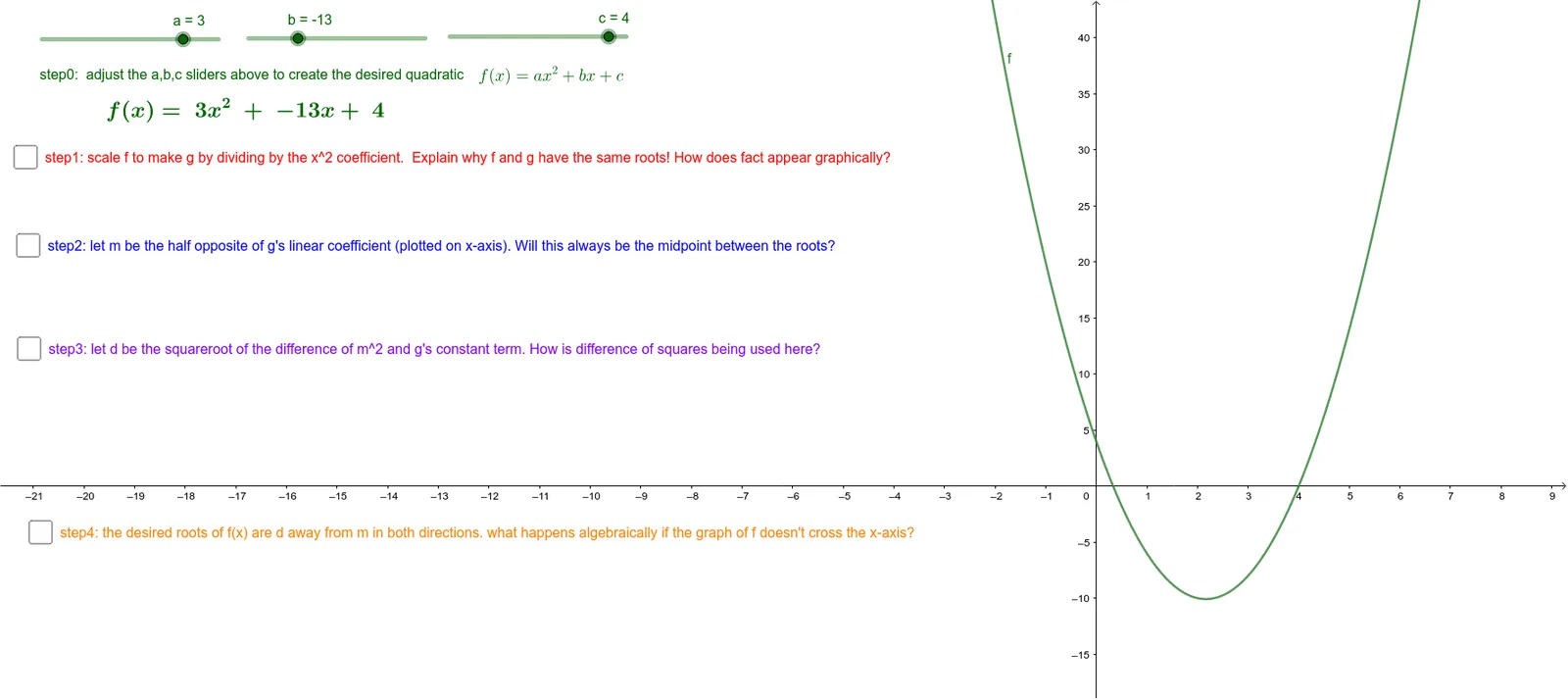
This example demonstrates the refinement process and properties of quadratic curve roots under mod2 conditions. It involves core mathematical concepts such as mod2 operations, quadratic equation roots, and analytical geometry. Construction highlights include using GeoGebra commands/objects like Textfield, Vector, a, b, c, InputBox1, f, g, d, e, button1, s2, m, M, s3, j, d2, s4, r_{1}, r_{2}, R1, R_{2}, R2, u, v for interactive visualization. Suitable for high school and above learners to understand the application of mod2 operations in analyzing quadratic function roots.
GeoGebra Commands & Parameters
Textfield() → InputBox1Vector(M, R1) → uVector(M, R2) → v
AI Drawing Prompt Reference
Create an interactive mathematical visualization showing the refinement of quadratic function roots under mod2 conditions. Include an input field for adjusting parameters and a quadratic curve. From a central point, draw two vectors pointing to two distinct root points, which are derived via mod2 operations. The diagram should clearly display the positional relationships among the vectors, root points, and the curve, with adjustable buttons and text fields to observe how parameter changes affect the roots. The layout should emphasize the function curve, root points, vectors, and their geometric connections, suitable for high school and above learners to understand mod2 operations in quadratic analysis.
The prompt above was compiled from the original drawing commands and is for reference only.