
Merry Go Round Painting
Loading the math board and drawing, please wait…
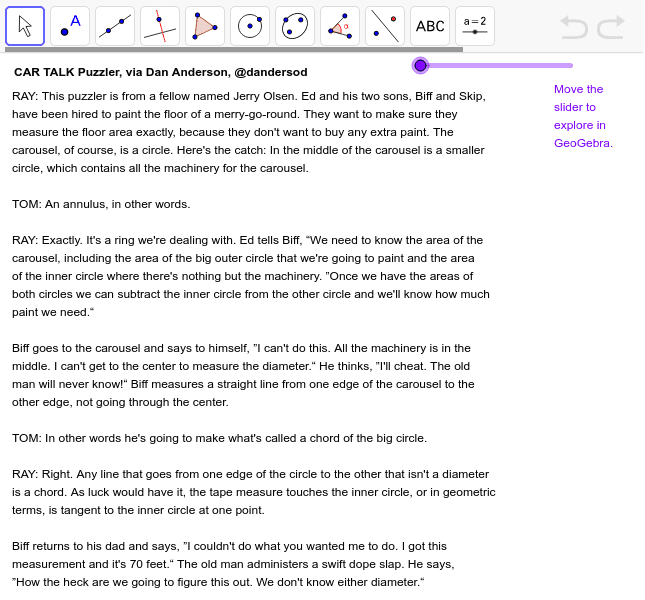
This example demonstrates painting on a merry-go-round, illustrating the use of rotation and geometric constructions involving circles and vectors. Core math concepts include area, circle, 3D vectors, arithmetic operations, cosine, Pythagorean theorem, and power functions. Construction highlights the use of GeoGebra commands and objects like Segment, Point, Circle, Tangent, Intersect, and LineBisector. Suitable for high school and above students exploring geometry and vector concepts.
GeoGebra Commands & Parameters
Segment(A, Corner[1]) → bPoint(b) → BPoint(b) → CCircle(A, B) → cCircle(A, C) → dTangent(B, c) → e,Intersect(d, e, 2) → DIntersect(d, e, 1) → ESegment(D, E) → fSegment(A, B) → gSegment(B, C) → hLineBisector(F, G) → aSegment(F, G) → iPoint(a) → HCircle(H, G) → kIntersect(a, i) → ICircle(H, I) → p
AI Drawing Prompt Reference
Draw a merry-go-round to demonstrate rotation and geometric constructions. Start by marking the center, then draw two line segments from the center to points on a circle. Use these to create two circles. Find the tangent lines of these circles and their intersection points, then connect the intersections. Draw the perpendicular bisector of a line segment and locate its intersection with another segment. Finally, draw two circles using the intersection points as centers to complete the merry-go-round.
The prompt above was compiled from the original drawing commands and is for reference only.